Hadex, spol. s.r.o., Kosmova 11, 702 00, Ostrava - Přívoz, tel.: 596 136 917, e-mail: hadex@hadex.cz, www.hadex.cz
Any unauthorized copies of this manual and its parts are subject to the consent of Hadex, spol. s.r.o.
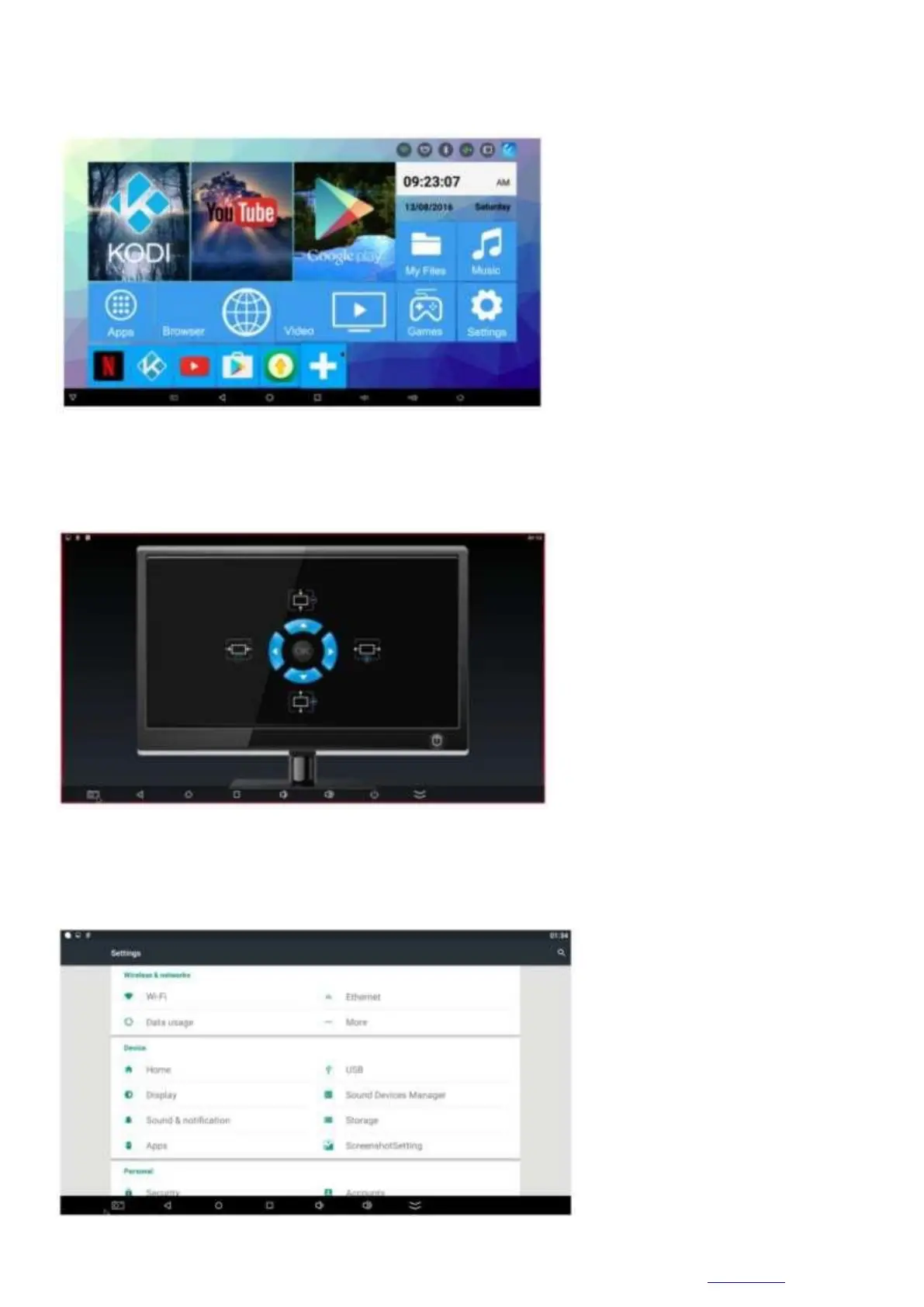
Launch:
When the power is turned on, the blue light turns on for about 3 seconds and enters the main interface
Screen settings:
Click "Setting/Display/Display Scale", scroll to the page below and press the up or down button on the
remote control to adjust the screen.
Wi-Fi settings
Go to "Wi-Fi" and turn on the Wi-Fi network in the top right corner. The system will automatically start
searching for available Wi-Fi networks around you.



 To Next Page