Hadex, spol. s.r.o., Kosmova 11, 702 00, Ostrava - Přívoz, tel.: 596 136 917, e-mail: hadex@hadex.cz, www.hadex.cz
Any unauthorized copies of this manual and its parts are subject to the consent of Hadex, spol. s.r.o.
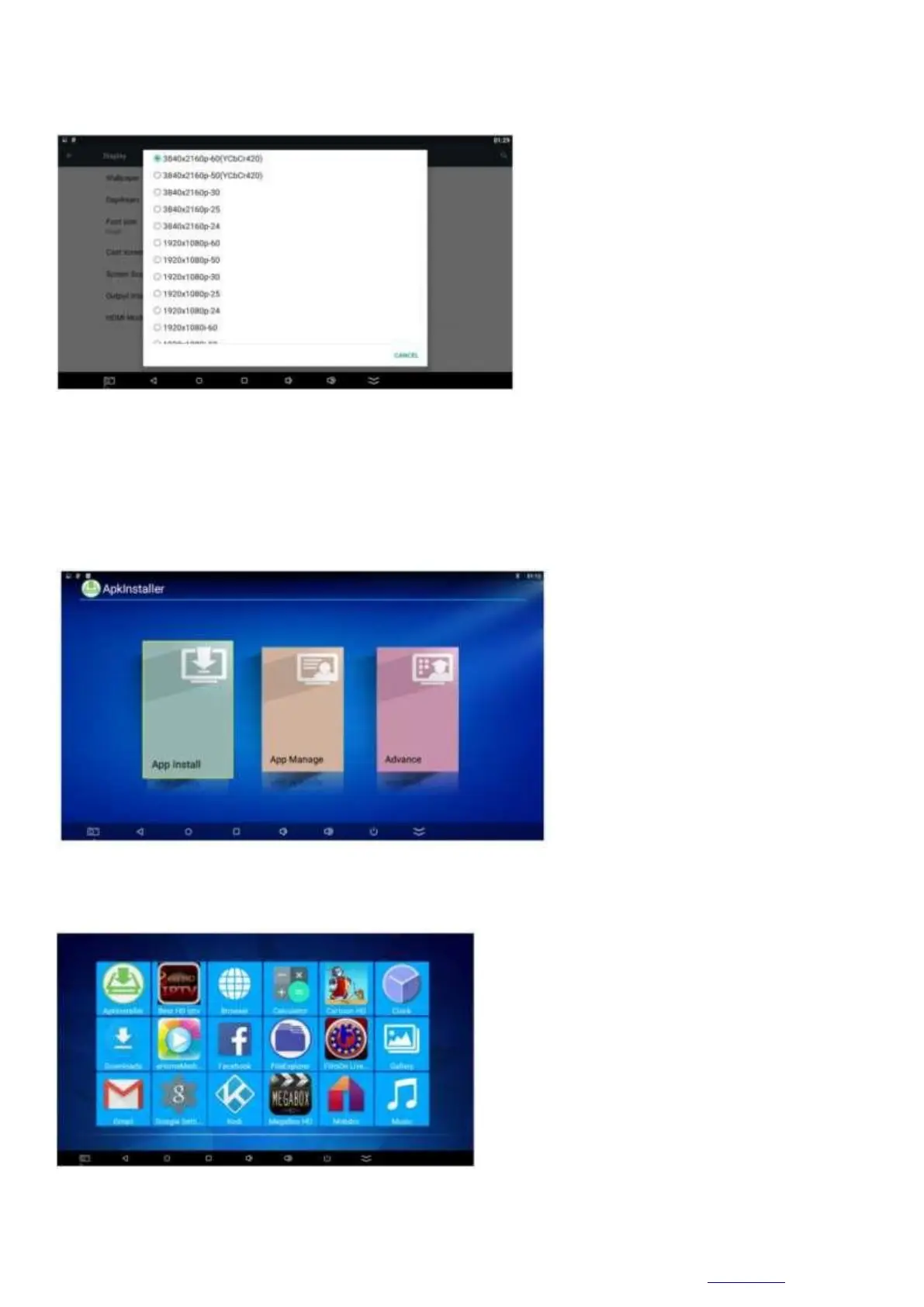
HDTV Output Settings
Display -> Turn on "HDTV auto-detection" -> Click on "HDTV Output Mode setting :1080-60hz". Then you
can select it as the second screen.
Application installation
Go to the application installer.
Use this feature of the application installer to install software. First, download the desired software using the
application formats from your computer to the USB. Select the desired device to scan the applications.
Press the OK button to install the required software.
When the installation is complete, a software icon will appear in the application menu.
My apps
Move to my apps. Press OK to enter. In the picture you can see icons referring to different functions



 To Next Page