EasyManua.ls Logo

hager EU400 NA-protection - User Manual

hager EU400 NA-protection
44 pages
Print Icon
To Next Page IconTo Next Page
Loading...
K1 K2
12 11 14 22 21 24
EU400
A2A1
24...270 V
~
+
Us
Test
VSR
≤ DC27V/20mA
U> U< f> f<
>>
<<
+Err
I1 Q1 Q2 Q3 Q4 Q5
+
12420-1200-03
Set /
Reset
2 s
L1 L2 L3 N
= tolerance Master-Slave
= regulation
= communication error
= return error K1/K2
= limit error, high < low
= parameter error
= overrange
max 300V
~ L/L max 520V
~ L/N
E1
>2 s
[V,Hz,s,° ]
1
(K1)
= 10 min average
= added time of alarms
= alarm counter
= Scan Modus
Time
~
System-disconnection relay
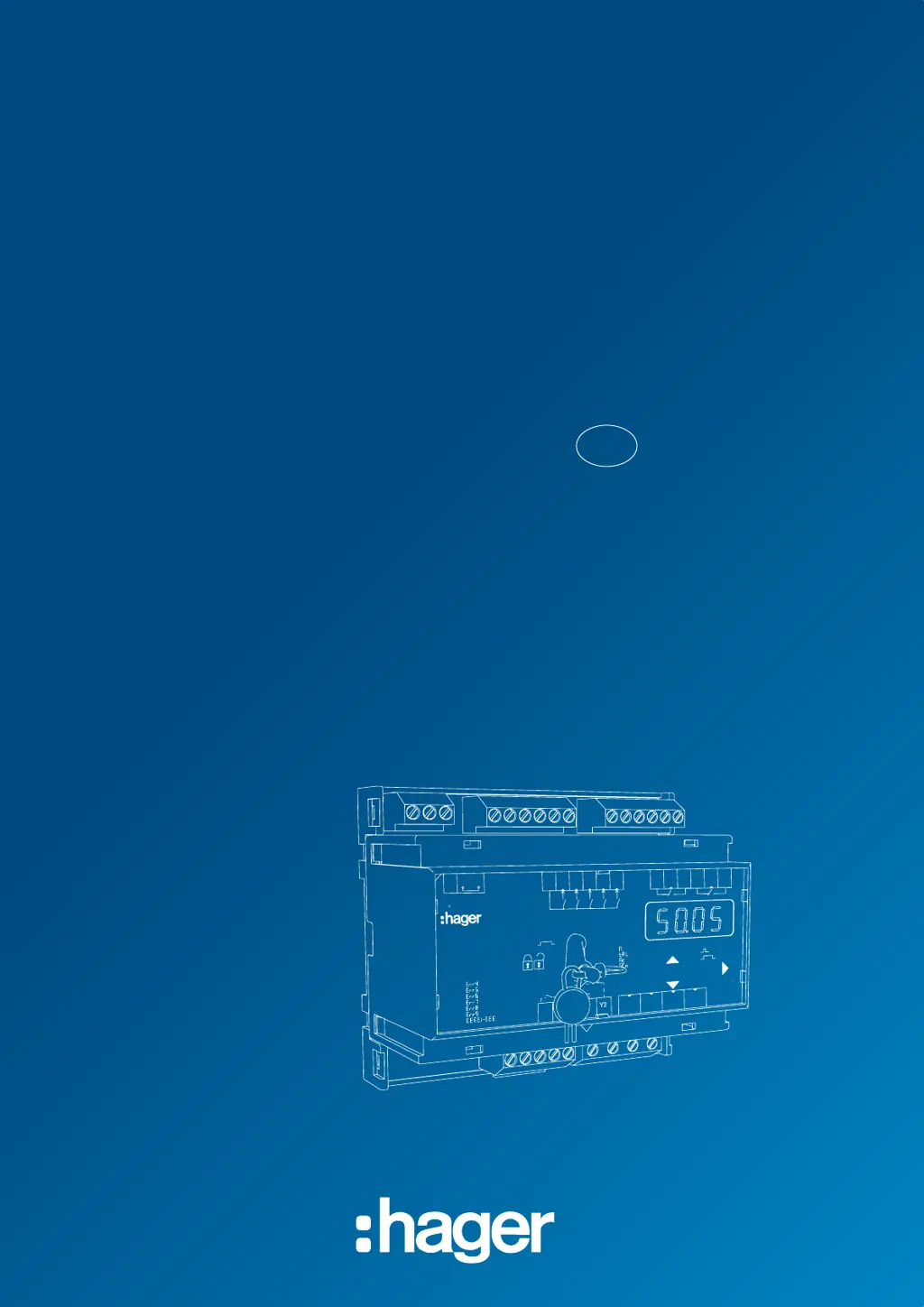
EU400 NA-protection
Operating Manual
EN

Table of Contents

Questions and Answers

  • T
    thomasnicholasAug 14, 2025
    What to do if 8Err78 appears on my hager Relays display?
    • D
      Donna MooreAug 14, 2025
      If '8Err78' appears on the display of your hager Relays, even after two automatic restart attempts and the LEDs K1 and/or K2 are flashing, it indicates an issue with the feedback contacts or switches. Here's what to check: * If feedback contacts are not connected, set 'rel' and 'trel' to 'oFF'. * If feedback contacts are connected, verify the connection. * Adjust the turn-on time under 'rel' and 'trel' to be greater than the switch-on time of the switcher. * Perform a reset by pressing the Set/Reset button for more than 2 seconds.
  • C
    christinahernandezAug 17, 2025
    Why does 8EEEE8 or 8-EEE8 appear on my hager EU400 NA-protection display?
    • D
      David KnightAug 17, 2025
      If you see '8EEEE8' or '8-EEE8' on the display of your hager Relays, it means the measured voltage, frequency, or vector surge is either too high or too low. Ensure that your measurements are within the specified range.
  • S
    stephanie62Aug 20, 2025
    What to do if 8Err88 appears on the display of my hager EU400 NA-protection Relays?
    • J
      John RamosAug 21, 2025
      If '8Err88' is displayed on your hager Relays, it indicates a hysteresis error. To resolve this, make sure the upper threshold value is set higher than the lower threshold value. Check and adjust the threshold values accordingly.
  • K
    Kevin JohnsonAug 23, 2025
    What to do if 8noY18 or 8noY28 appears on my hager Relays display?
    • M
      Michael RobertsAug 25, 2025
      If '8noY18' or '8noY28' is displayed on your hager Relays, it indicates that the feedback contact is either not connected or the switch isn't working. Check the connection and the functionality of the switch. Note that '8noY28' is normal in Pr2 at Test 2.
  • D
    David BryantAug 27, 2025
    What does 8Al 8 and LED Q3 (f>) on my hager EU400 NA-protection mean?
    • A
      Anne RiosAug 27, 2025
      If '8Al 8' is displayed and LED Q3 (f>) is on, even when the reading is within a good range, it indicates an incorrect hysteresis setting for 'F'. Check the hysteresis setting for the reset point, ensuring it is set above 50 Hz.
  • L
    latoya99Aug 30, 2025
    What does 8StbY8 on my hager EU400 NA-protection display mean?
    • J
      Jordan LewisAug 30, 2025
      If '8StbY8' appears on the display of your hager Relays, it indicates that the device is in standby mode because E1-E2 is closed. Verify the parameter 'uSr'.
  • U
    ulyonsSep 3, 2025
    Why does 8Err48 appear on my hager Relays display?
    • G
      gloverashleySep 3, 2025
      If '8Err48' is displayed on your hager Relays, it indicates a tolerance error due to an internal measurement value deviation between both channels. You can attempt to resolve this by performing a reset of the interrupt control voltage for more than 5 seconds.
  • C
    Connor HuffSep 6, 2025
    What to do if 8Err98 appears on the display of my hager EU400 NA-protection?
    • M
      Mrs. Lindsey LewisSep 6, 2025
      If '8Err98' appears on the display of your hager Relays, it indicates a parameter error. You should reset the device to its factory settings.
  • J
    Johnny WalkerSep 9, 2025
    Why are the voltage values implausible on my hager EU400 NA-protection?
    • J
      Joe AllenSep 9, 2025
      If you are getting implausible voltage values on your hager Relays, it could be because 'Pr' is selected with 'N', but 'N' is not connected. Either select 'Pr' without 'N' or connect 'N'.

Summary

General Notes on Device Operation

Display and Controls Overview

Control Panel Components

Overview of buttons, LEDs, and display elements on the device.

User Interface Navigation and Keys

Keys for navigating menus, adjusting settings, and managing lock status.

Measurement Allocation LEDs

LEDs indicating voltage and frequency measurement status.

Default Settings and Firmware Versions

VDE-AR-N 4105 Default Settings

Default parameter values for VDE-AR-N 4105:2011 and 4105:2018-11 standards.

VDE-AR-N 4110;4120 Default Settings

Default parameter values for VDE-AR-N 4110:2018-11 and 4120:2018-11 standards.

TOR, VSE, Synergrid Default Settings

Default parameter values for TOR, VSE, and Synergrid standards.

Application and Functions

Application Overview

Describes the device's purpose and compliance with standards.

Summary of Key Functions

Lists the key monitoring and protection features of the device.

Connection Diagrams

Single PV Connection Diagrams

Wiring diagrams for single PV installations with varying section switches.

Multiple PV and Generator Wiring

Wiring for multiple PVs, generator operation, and integrated inverter switches.

Specific Application Wiring

Wiring for medium/high voltage and specific inverter integrations.

Important Information and Assembly

Safety and Important Information

Crucial safety warnings, handling, and electrical precautions.

Device Mounting and Assembly

Instructions for installing the device on a 35 mm rail.

Detailed Description of Device

Connection Terminal Descriptions

Details of device connection terminals and their functions.

Functional Characteristics Overview

Explanation of the device's operational features and behaviors.

Commissioning and Operation

Program Setup and Control Charts

Guide to program selection, setup, and parameter navigation charts.

Parameter Descriptions and Modes

Explanation of parameters and operating modes (display, menu, config).

Key Operational Functions

Covers switching, disengaging, zero voltage, testing, alarms, standby, and locks.

Simulation and Display Indications

How to simulate values and interpret display messages.

Technical Data

Troubleshooting and Measures

Error Code Troubleshooting Guide

Identifies errors and provides remedies for common issues.

Adjustment Values and Settings

VDE-AR-N and BDEW Adjustment Values

Default and adjustable values for various low and medium voltage standards.

Specific Standard Adjustment Values

Default and adjustable values for specific medium/high voltage and Swiss standards.

hager EU400 NA-protection Specifications

General IconGeneral
ModelEU400
Brandhager
Rated current40 A
Protection classIP20
Mounting typeDIN rail
Rated voltage230 V AC

Related product manuals