19
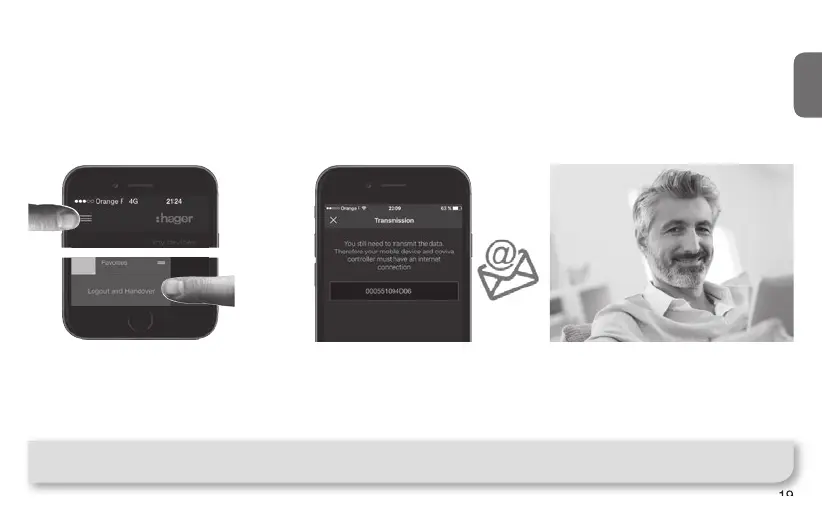
Installation Step 4 : Handover
Time to deliver your work to your lucky customer !
The Handover procedure allows you to perform an optimal transfer of control of the system from you
(as installer) to your customer, without having to duplicate, share or disclose logins or access codes, to
maintain a maximum level of security and con dentiality of the installation. N.B. This step is mandatory !
Note : To perform the Handover, both the TKP100 and the mobile device running the App must be connected
to internet.
When the installation is completed,
at time of disconnecting, the App
will ask you to validate the Handover,
which will launch the Handover
process !
An email is sent to your customer
de ned as Referent User to activate
his access to the system
and
transfer the rights to control it.
The Referent User activates his
account.
System is ready to be used by him !
2
3
z
➡
1



 To Next Page