20
Setting up the TKP100 permanent connection
Select the connection mode of the TKP100 to the local network
in normal use
Once your installation is nished, it is time to assign the permanent connectivity to your customer’s local
network, that will provide the internet (IP) access.
Note : The TKP100 can work in standalone (without Internet access) but with limited functionnality (no remote
control, no noti cations, etc..). Nevertheless purely local automatisms (such as covigrams) not requiring internet
access will generally continue working normally.
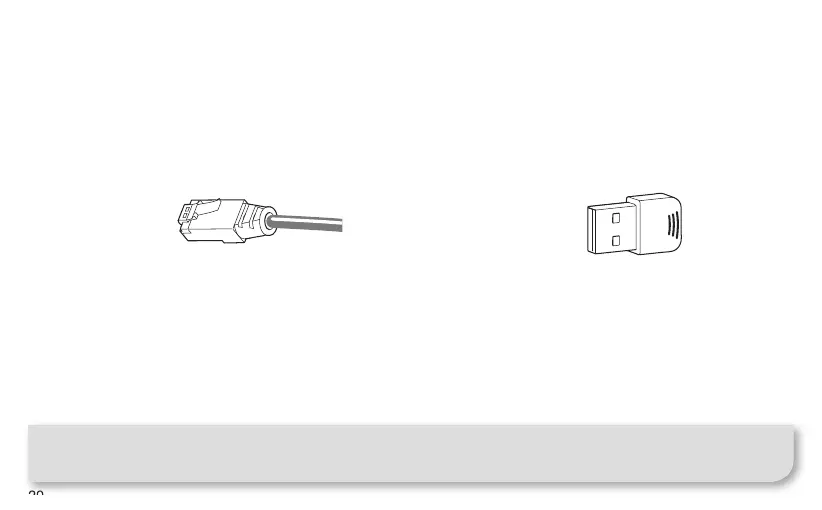
LAN Connection
This is the recommended connection mode for the
TKP100 due to its speed, security and reliability.
• Connect the controller to the customer’s router
with the provided LAN cable
• Only use the provided LAN cable, or cable of
equivalent grade if you need a different length :
Cat. 5E F/UTP
WiFi Connection
(available in a future release)
You may connect permanently the TKP100 to
customer’s internet access using the optional Hager
TKH180 WLAN/Wi End-User extension.
This is a exible connection mode because it
increases the TKP100 controller’s freedom of
placement in your customer’s home !



 To Next Page