26
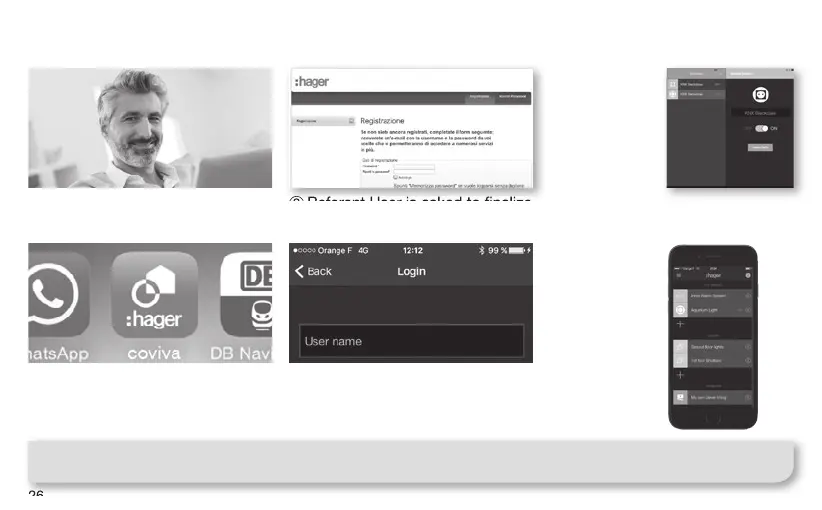
Referent User First-Time Connection
1 Referent User receives email
with link to activate his system.
3 Referent User installs the
coviva App, available from the
main AppStore on his mobile
device (cf p.9).
2
Referent User is asked to nalize
and validate his Hager portal account.
4 Referent User should log in at
least once using his Hager portal
login, and while being connected
to Internet.
After step 2,
direct access
to the WebApp
control from
Hager portal
following the
coviva controller
section is
possible !
(details on page 28)
Control of
the installation
from the native
coviva App is
now possible !
Note : Steps from 1 to 4 on this page are normally done only once, except the case where the Referent User
changes of device, or de-install/re-install the coviva App. In this case, step 3 and 4 shall be performed again.
Referent User is asked to nalize
➡
➡



 To Next Page