27
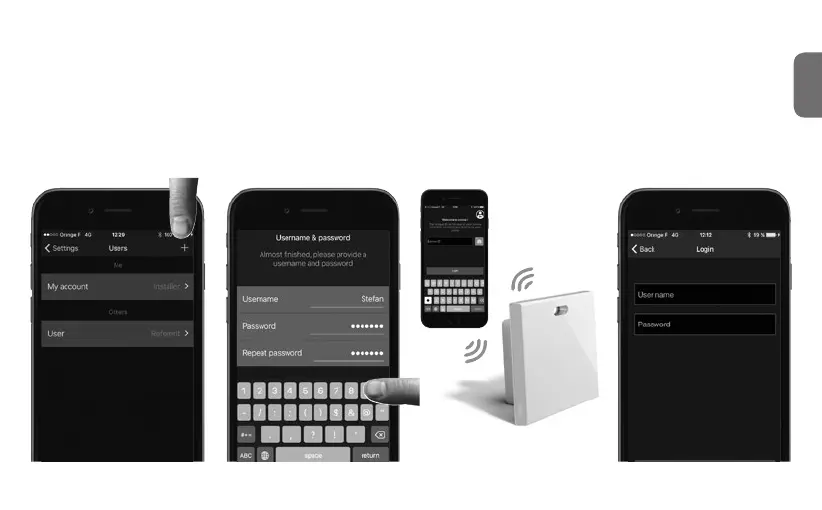
Classic and Restricted* User rst connection
This is how the Classic Users and Restricted Users may connect
to their installation
z
1
Be dened by the Referent
User ! This is done directly from
the coviva App
in the
Settings/Users/All users section.
Download and open the coviva App.
2
Discover locally the TKP100
controller (as described
Installation Step 1.B, p.13)
3
Log in using username &
password provided by the
Referent User
(*) Available in a future release



 To Next Page