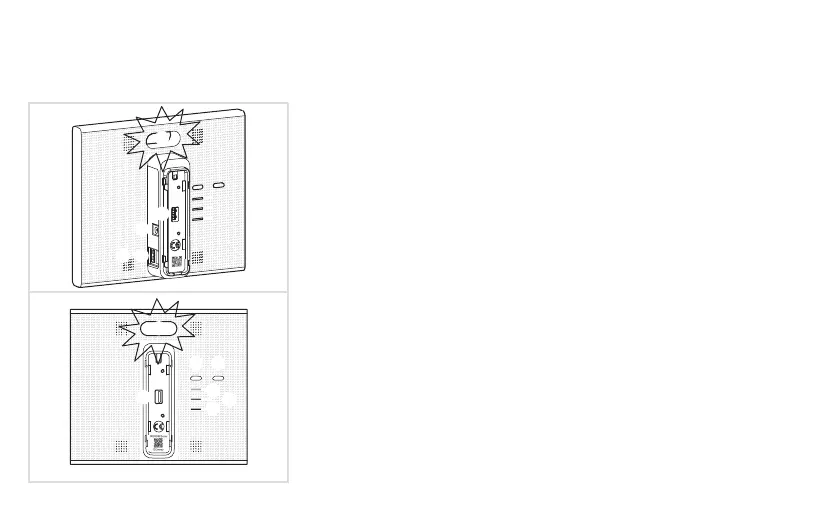
TKP100 Controller Overview
The TKP100 controller is designed for easy access and intuitive use !
1 Main RGB Signalling
Used to display notications regarding your installation
2 USB Extension slots (x2)
Allows to install optionnal extensions such as WLAN/WiFi dongle TKH180
3 LAN connector
RJ45 Ethernet connector to connect the TKP100 controller to your local
home network (LAN)
4 Power Supply connect
5V DC input from the TKC110 AC/DC power supply
5 OK Button
The OK button allows you to acquit the current notications and turns off the
on-board RGB signaling for active notication.
6 RESET Button
The reset functions are described page 22
7 ONLINE Indicator
Indicates that the TKP100 controller is correctly connected to Internet
8 WLAN indicator
Indicates, when a WLAN/WiFi optional extension is installed on the TKP100,
its connection status
9 POWER Indicator
Indicates that the TKP100 controller is correctly powered ON
0005587...
GC 03/16
RESET OK
1
1
2
2
2
4
3
8
6 5
7
9
6



 To Next Page