
 Need help?
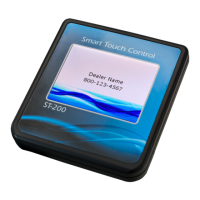
Do you have a question about the Hague ST-200 and is the answer not in the manual?
Guide to configuring the appliance's touch screen interface and basic settings.
Detailed steps for configuring advanced service parameters like password, units, and hardness.
Explains how to enable and view historical data for water chemistry and regenerations.
Instructions for setting up user-specific preferences like time, regeneration, and household size.
Overview of different operating modes: Timer, Demand Delayed, and Demand Immediate.
 General
| Brand | Hague |
|---|---|
| Model | ST-200 |
| Category | Controller |
| Language | English |

 To Next Page