8
Sencond step:
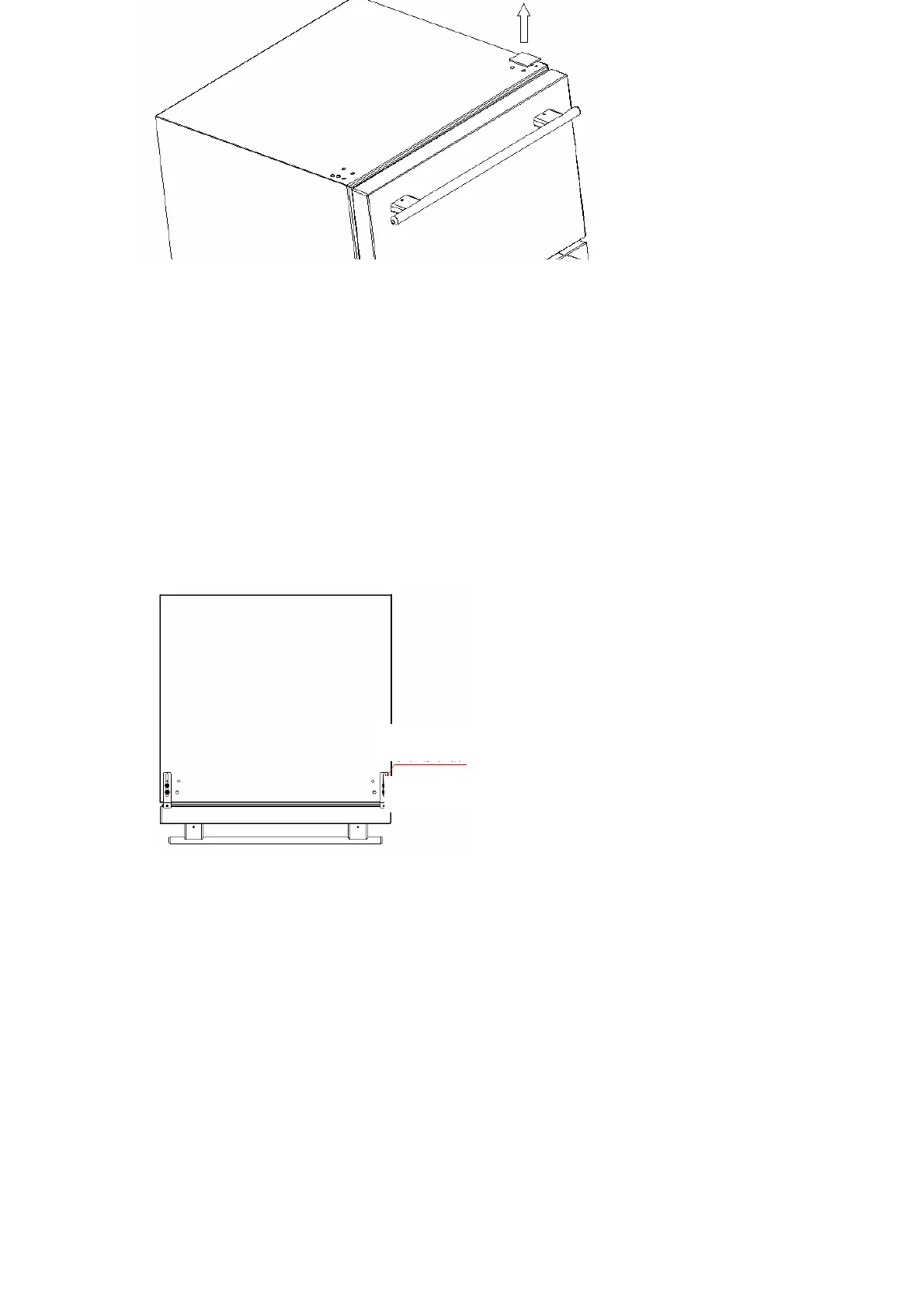
Take the anti-tip bracket and screws from the accessory bag. Tighten the anti-tip
bracket on the top of the product with screws as following the illustration
Note:Please install just as following illustrations about holes,If you choose wrong hole,it will
do damage to the top of your product and screws.Besides,you should adjust the position of
bracket base on the height of unit in advance,so that we could save operation of taking out
the unit of counter again to choose position of
bracket in next step.
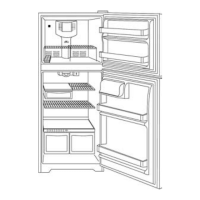
Third step: Put the unit inside of counter.Pull upper drawer open and attach the anti-tip
bracket to counter by screw. You can adjust the feet on the corners of unit (Part 7 in Structural
drawing)
Anti-tip Bracket
Screw



 To Next Page