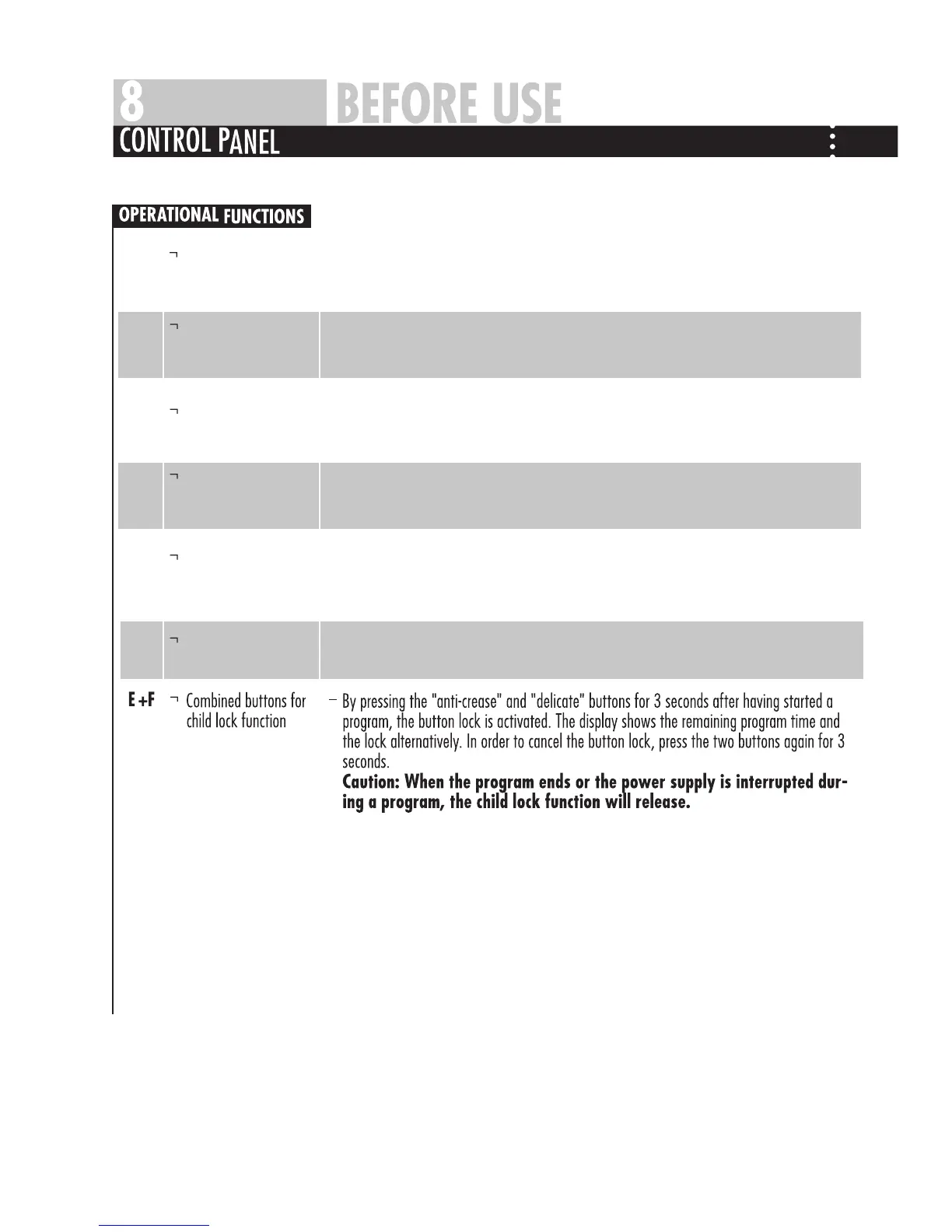
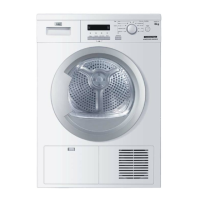
—Press this button to switch on the tumble dryer. Press it again to switch it off. Press this
button gently for 2 seconds to switch off the dryer as buttons are soft touch sensitive.
—Turn this knob to choose the desired drying program.This type of tumble dryer has 10
program options.For description of specific programs,refer to ”program modes” on
page 9.When the drying program is selected,the relevant indicator light is on.
—Press this button to start the tumble dryer.Press this button again during the operation
of the tumble dryer,the indicator light and display screen will start flashing and the
tumble dryer will pause.Press the button again and the program will continue.
—When the drying cycle is finished,an acoustic signal will sound.Touch this button to
cancel the buzzer sound.
—If this additional function is selected,the anti-crease phase at the end of the drying
cycle is lengthened by 60 minutes.The laundry can be removed at any time during the
anti-crease phase.
—During a program,the drying temperature and power will decrease and the drying
time will increase to take better care of delicate laundry.
Power button
Program knob
Start/Pause button
Alarm button
Anti-crease button
Delicate buttonE
F
G
H
I
J


 To Next Page