EasyManua.ls Logo

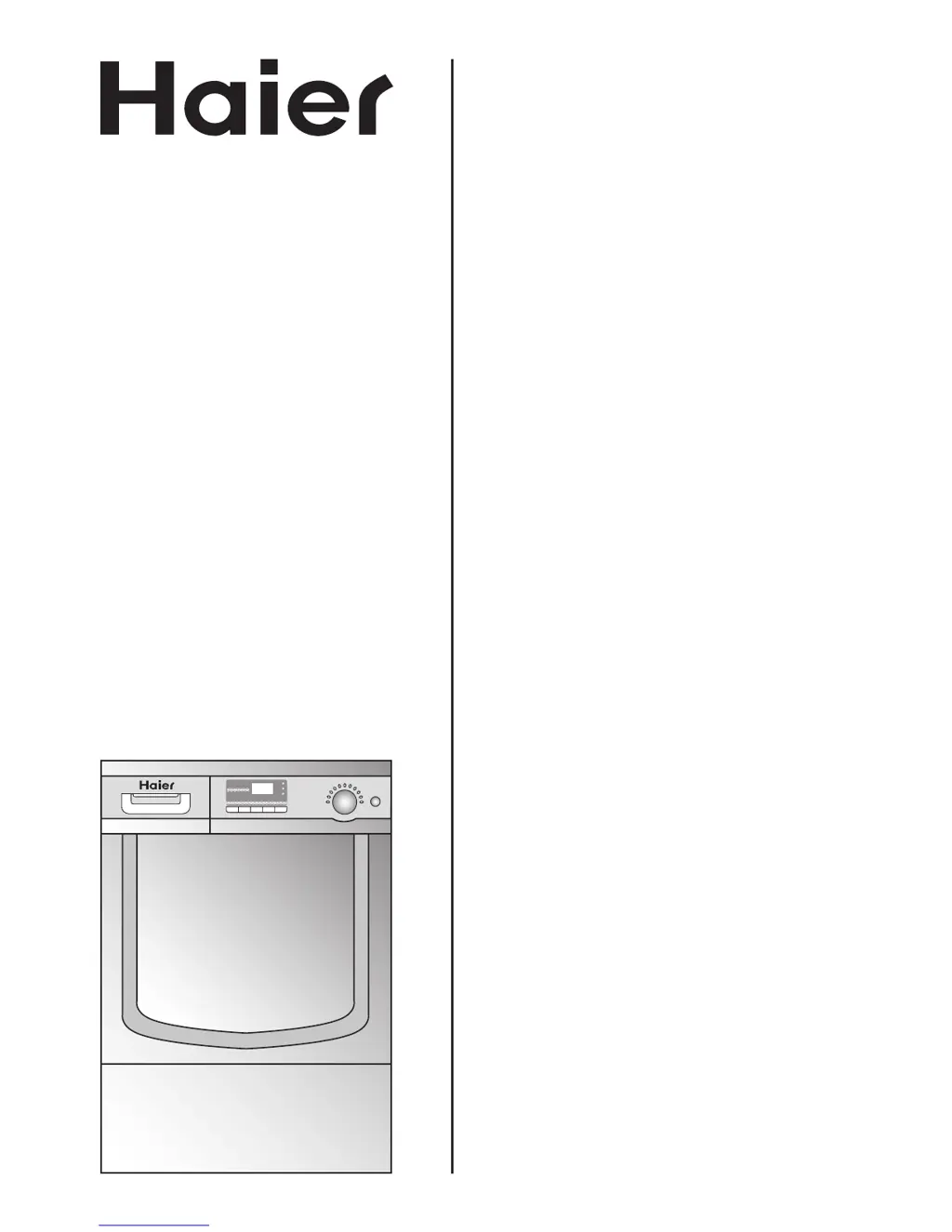
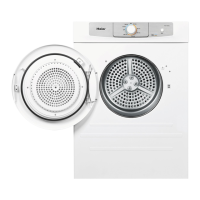
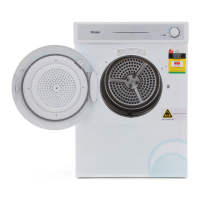
Haier HDY-D70 - User Manual

Haier HDY-D70
20 pages
Print Icon
To Next Page IconTo Next Page
Loading...
USER MANUAL
Condenser
Tumble Dryer
HDY-D70
For service, call 0845 025 3025.

Questions and Answers

  • A
    ariana42Aug 8, 2025
    What to do if my Haier HDY-D70 Dryer doesn't start?
    • I
      ihillAug 8, 2025
      If your Haier Dryer isn't starting, check the following: * Ensure the unit is plugged in and switched on. * Verify the socket has power by testing with another appliance. * Make sure the door is properly shut. * Confirm a drying program has been selected. * Ensure the Start/Pause button has been pressed. * Check if the water collection box is full.
  • M
    Michelle YatesAug 14, 2025
    Why is my Haier HDY-D70 Dryer taking too long and the drying result is not good?
    • D
      Dr. Charles Bailey PhDAug 14, 2025
      If your Haier Dryer is taking too long or the drying result isn't satisfactory, several factors could be the cause: * The drying program setting may not be correct. * The lint screen may need cleaning. * The condenser could be blocked. * The laundry load might exceed the dryer's capacity. * The laundry may not have been spun dry enough before loading. * The air intake vent could be blocked. * There might be a deposit layer inside the drum that needs cleaning.
  • E
    erin99Aug 18, 2025
    How to fix a Haier Washer dryer that won't start?
    • M
      Mr. John MillsAug 18, 2025
      If your Haier Washer dryer isn't starting, make sure it's properly plugged into a working power outlet and switched on. Test the outlet with another appliance. Ensure that you've selected a drying program and pressed the Start/Pause button. Also, check if the water collection box is full, as this can prevent the dryer from starting.
  • J
    Jeffery GuzmanAug 23, 2025
    Why is my Haier Washer drying taking too long and not drying well?
    • L
      Lisa BowmanAug 23, 2025
      If the drying result from your Haier Washer isn't satisfactory and the drying time seems excessively long, verify that you've selected the correct drying program. Ensure that the filter screen has been cleaned and the condenser isn't blocked. Check that you haven't exceeded the rated load capacity and that the laundry was adequately spun dry before drying. Also, check for any blockages in the vent duct. If there's a deposit layer inside the drum, clean the drum interior.
  • C
    Christopher HoffmanAug 28, 2025
    What to do if my Haier Washer starts but shows 'End' immediately?
    • A
      amywilliamsAug 28, 2025
      If your Haier Washer starts but displays “End” without running, ensure that the door is tightly closed. Also, verify that the laundry load meets the minimum requirements for the drying setting and that there is actually a load in the tub.
  • M
    Michael TurnerSep 3, 2025
    Why does the remaining time keep changing on my Haier Washer?
    • D
      Daniel JohnsonSep 3, 2025
      The remaining time displayed on your Haier Washer is automatically adjusted based on factors like the type and amount of laundry, how dry the laundry was after spinning, and the ambient temperature. This continuous adjustment is normal.

Summary

Safety Instructions

Electrical Connection (UK Only)

Details the electrical connection requirements for UK users, including earthing and fuse specifications.

How to Wire a 13 Amp Plug

Provides step-by-step instructions and a diagram for wiring a standard 13 amp plug correctly.

Installation

Preparation

Control Panel

Using Your Appliance

Cleaning and Maintenance

Cleaning the Filter Screen

Procedure for cleaning the lint filter screen to maintain drying efficiency.

Emptying the Water Collection Box

How to safely remove and empty the water collection box after each cycle.

Cleaning the Condenser

Monthly procedure for cleaning the condenser unit, including removal and reassembly.

Trouble Shooting

Common Problems and Causes

Lists common issues like the dryer not starting or poor drying results, with possible causes.

Error Messages

Explains various error codes (E2, E3, E5, E6) and their corresponding causes and solutions.

Haier HDY-D70 Specifications

General IconGeneral
BrandHaier
ModelHDY-D70
CategoryDryer
LanguageEnglish

Related product manuals