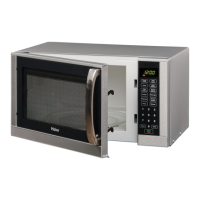
To cancel child lock, depress and hold stop/ Clear button about 3 seconds until LED appears colon.
6. Microwave cooking
Press Micro Power button, LED will cycle to show 100P 80P 60P 40P 20P
100P --- High power, 100% microwave power.
Applicable for quick and thorough cooking, such
as meat, vegetable
80P --- Medium High power, 80% microwave
power. Applicable for medium express cooking,
such as eggs, fish, congee, rice, soup
60P --- Medium power, 60% microwave power.
Applicable for steaming food
40P --- Medium Low power, 40% microwave
power. Applicable for defrosting food
20P --- Low power, 20% microwave power.
Applicable for keeping warm
Example: To cook at 80P for 10 and half minutes.
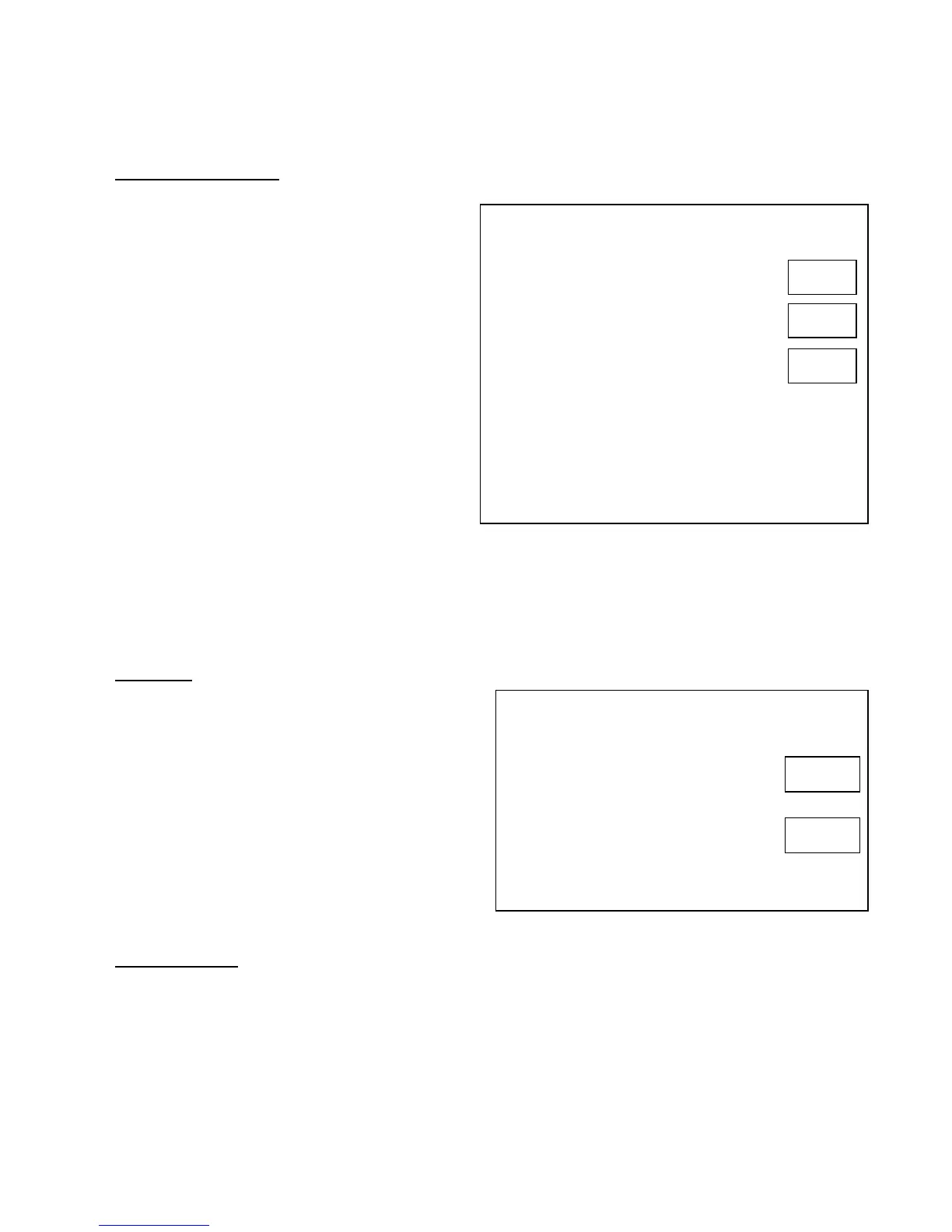
Depress Display
1. After power-up, the colon flashes or
press
stop/ Clear button once
2. Select the desired microwave power
by pressing Micro Power button
3. Set the cooking time by pressing
Time. weight/ Auto cooking button
4. Press Instant/Start button to start, and LED will
count down to show running time.
You may change the cooking time during cooking.
And it is recommend to turn over the food halfway,
after you turn the food. Press Instant/Start button
once to continue…
1 0 : 3 0
M.H
M
M
8 0 p
M.H
NOTE:
1) The max time which can be set is 60 minutes.
2) Never operate the oven empty.
3) Never use the Grill rack during microwave cooking.
4) If you turn the food during operation, press the Instant/Start button once and the preset cooking
procedure will continue.
5) If you intend to remove the food before the preset time, you must press stop/ Clear button once to
clear the preset procedure to avoid unintended operation of next time use.
7. Express
Depress Display
Example: To cook with express for 1 minute
1. After power-up, the colon flashes or
press Stop.Clear button once
2. Depress Express button consecutively
to select desired menu
3. Start cooking by pressing Instant.Start button
1 : 0 0
Press this button LED Display will cycle to show
0:30--1:00--1:30
This function will allow you to heat a cup of water
or beverage conveniently, omitting the steps of
setting time. Choose the proper time depending on
the beverage capacity.
0:30 --- default 30 sec operation time
1:00 --- default 1minute operation time
1:30 --- default time is 1 and half minutes
8. defrost/
CLOCK
Press defrost/CLOCK button and the LED display will circle to show d.1 d.2 d.3.



 To Next Page