EasyManua.ls Logo

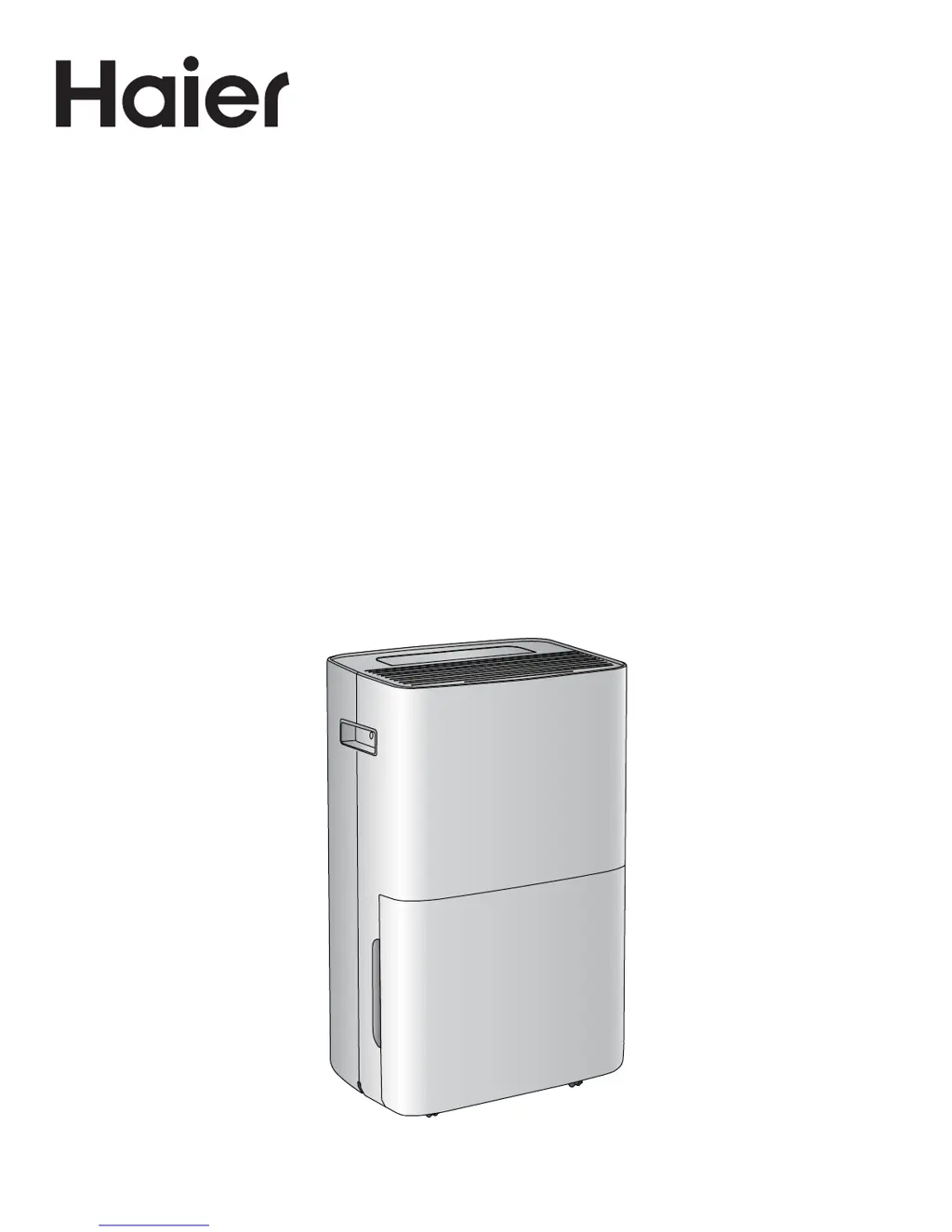
Haier HEN70ETFP - User Manual

Haier HEN70ETFP
36 pages
Print Icon
To Next Page IconTo Next Page
Loading...
Installation and User Manual
Installation et guide de l’utilisateur
Manual de instalación y del usuario
HEN70ETFP
Dehumidier
Déshumidicateur
Deshumidicador
Part # 0060522959 REV A

Table of Contents

Questions and Answers

  • D
    deannataylorAug 2, 2025
    What to do if my Haier HEN70ETFP won't start?
    • D
      Donald TaylorAug 2, 2025
      If your Haier dehumidifier isn't starting, there are several potential causes: * Ensure the power cord is properly plugged into a grounded, three-prong outlet. * Press the Power button on the control panel or remote. * Check the outlet by plugging in a working lamp. * Examine the fuse or circuit breaker and replace or reset if necessary. * Cancel any programmed Time Delay. Refer to the section on the control panel for instructions. * Replace the remote control batteries. * Empty the water bucket.
  • J
    Joshua MoraAug 13, 2025
    Why is my Haier HEN70ETFP Other running but the room is still humid?
    • M
      Meghan JonesAug 13, 2025
      If your Haier dehumidifier is running, but the room remains humid, consider these factors: * Allow sufficient time for the room to dehumidify, especially when first turning on the unit. Ensure the dehumidifier's BTU rating is appropriate for the room size. * Remove any obstructions to airflow and redirect airflow for better cooling. * Lower the set humidity level. * Clean or replace dirty air filters. * Close all doors and windows to prevent air from escaping.
  • S
    Scott NorrisAug 22, 2025
    How to fix a Haier Other that won't start because of a full water bucket?
    • S
      Stephanie ChanAug 22, 2025
      If your Haier dehumidifier isn't starting and you suspect it's due to a full water bucket, the solution is simple: empty the water bucket. For detailed instructions, refer to the 'Dehumidifier Care' section.

Summary

Dehumidifier Safety Information

Important Safety Instructions

Crucial safety precautions to reduce risk of fire, shock, injury, or damage.

Installation Requirements and Instructions

Location and Electrical Requirements

Guidelines for suitable placement and power supply connection.

Control Panel Operation

Display and Indicator Lights

Explains the functions of the display screen and indicator lights.

Buttons and Functions

Details the operation of power, fan speed, timer, and humidity controls.

Dehumidifier Use and Care

Troubleshooting Common Issues

Problem Resolution Guide

Addresses common problems like unit not starting or room remaining humid.

Limited Warranty Information

Haier HEN70ETFP Specifications

General IconGeneral
BrandHaier
ModelHEN70ETFP
CategoryOther
LanguageEnglish