a. The temperature of food before cooking would be 20-25ć. Higher or lower temperature of the food
before cooking would require increase or decrease of cooking time.
b. The temperature, weight and shape of food will largely influence the cooking effect. If any deviation
has been found to the factor noted on above menu, you can adjust the cooking time for best result.
c. If there is only one weight to choose for the menu, set the cooking menu and cooking number,
pressing Instant/Start directly can start cooking; if there are two choices for the menu, please
follow as the example.
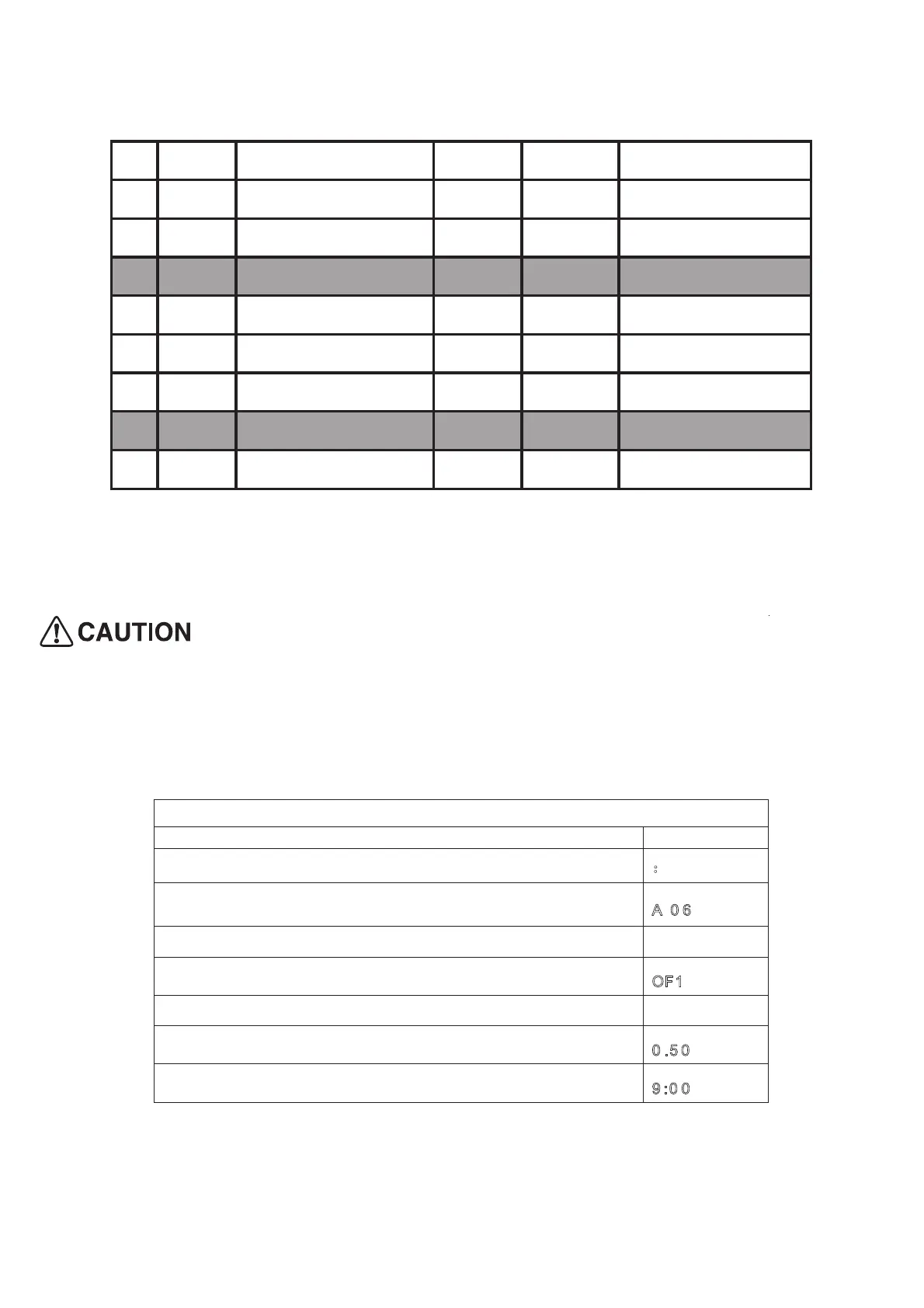
Example: Cook 500g Fish Curry
Steps Display
1. After power-up, the colon flashes
˖
2. Turn Auto cooking or Temp/Time/Weight knob to set the
cooking menu
A
-0 6
3.Press Instant/Start to confirm
4. Turn Auto cooking or Temp/Time/Weight knob to set the
cooking number.
O
F1
5.Press Instant/Start to confirm
6. Turn Auto cooking or Temp/Time/Weight knob to set the
cooking weight.
0
.5 0
7. Start cooking by pressing Instant/start button and LED will
count down to show running time.
9
:0 0
7. Automatic starting (delayed function)
If you do not want the menu be started immediately, you can preset the cooking menu and time and
the preset menu will be automatically started at your set time. The setting will consist of 2 steps:
1. Setting the current clock;
2. Setting the cooking menu and time.
5
bd 5
nim71hsiFaniduP
6
bd 6
nim811otkuhS
7
bd 7
Tomato Chutney 1 10min
A-11 Display
MAHARASHTRIAN DISHES
Weight Time
1
Sd 1
Coconut Rice 1 18min
2
Sd 2
seviyachi Kheer 1 10min
3
Sd 3
Veg Kalvan 1 16min
A-12 Display Lemon Clean Weight Time
1 Ln 1 Lemon Clean 1 5min
80%mw
100%MW
100%MW
Mode
100%MW
100%MW
100%MW
Mode
100%MW


 To Next Page