EasyManua.ls Logo

Haier IPDS-1 - Internet Radio Function; Application Settings

Haier IPDS-1
14 pages
Print Icon
To Next Page IconTo Next Page
To Previous Page IconTo Previous Page
Loading...
English
Haier
Rise
App
SETTINGS
INTERNET
RADIO
FUNCTION:
Select
the
Internet
Radio
function
from
the
application
menu
at
the
bottom
of
the
screen.
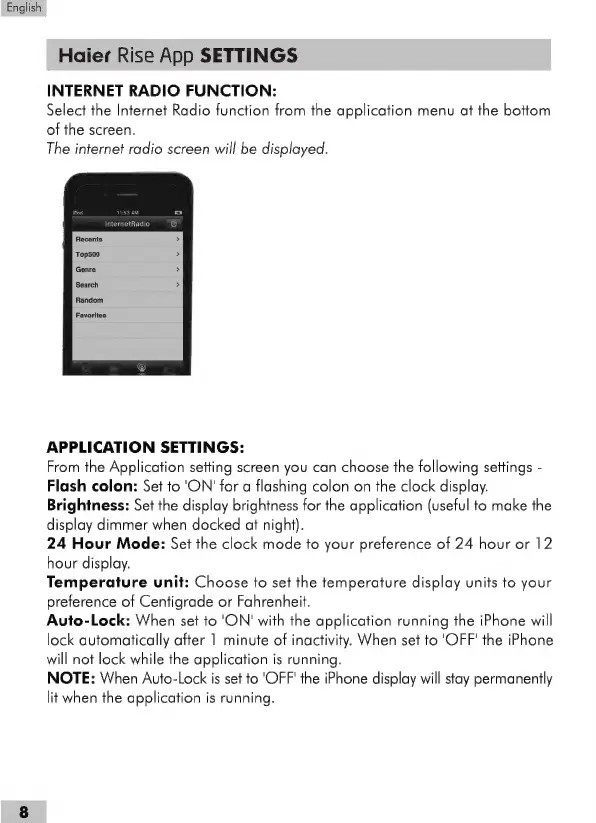
The
internet
radio
screen
will
be
displayed.
InternetRadio
APPLICATION
SETTINGS:
From
the
Application
setting
screen
you
can
choose
the
following
settings
-
Flash
colon:
Set
to
'ON'
for
a
flashing
colon
on
the
clock
display.
Brightness:
Set
the
display
brightness
for
the
application
(useful
to
make
the
display
dimmer
when
docked
at
night).
24
Hour
Mode:
Set
the
clock
mode
to
your
preference
of
24
hour
or
12
hour
display.
Temperature
unit:
Choose
to
set
the
temperature
display
units
to
your
preference
of
Centigrade
or
Fahrenheit.
Auto-Lock:
When
set
to
'ON'
with
the
application
running
the
iPhone
will
lock
automatically
after
1
minute
of
inactivity.
When
set
to
'OFF'
the
iPhone
will
not
lock
while
the
application
is
running.
NOTE:
When
Auto-Lock
is
set
to
'OFF'
the
iPhone
display
will
stay
permanently
lit
when
the
application
is
running.