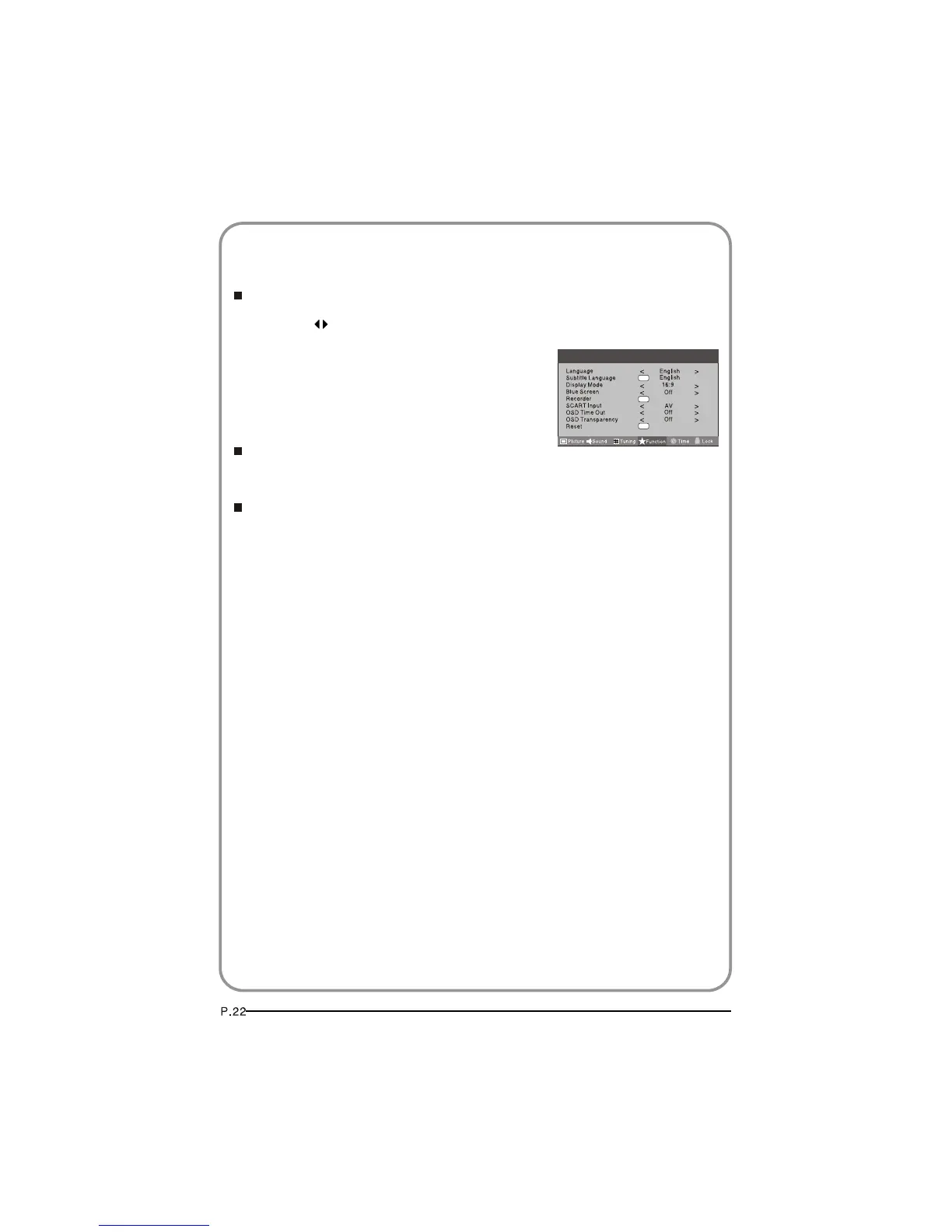
Time Out
To s
Each press of button repeatedly to select the number of
preset minutes, the Time will be set in sequence: off,10sec,15sec,
30sec,45sec,60sec.
will be set in sequence:
Reset
OSD
et how long you want the menus to appear on-screen.
OSD T
To set the transparency background of OSD,thetransparency
To recover to the default value.
ransparency
Off,25%,50%,75%,100%.
OK
OK
OK
Menu
FUNCTION SETTINGS



 To Next Page