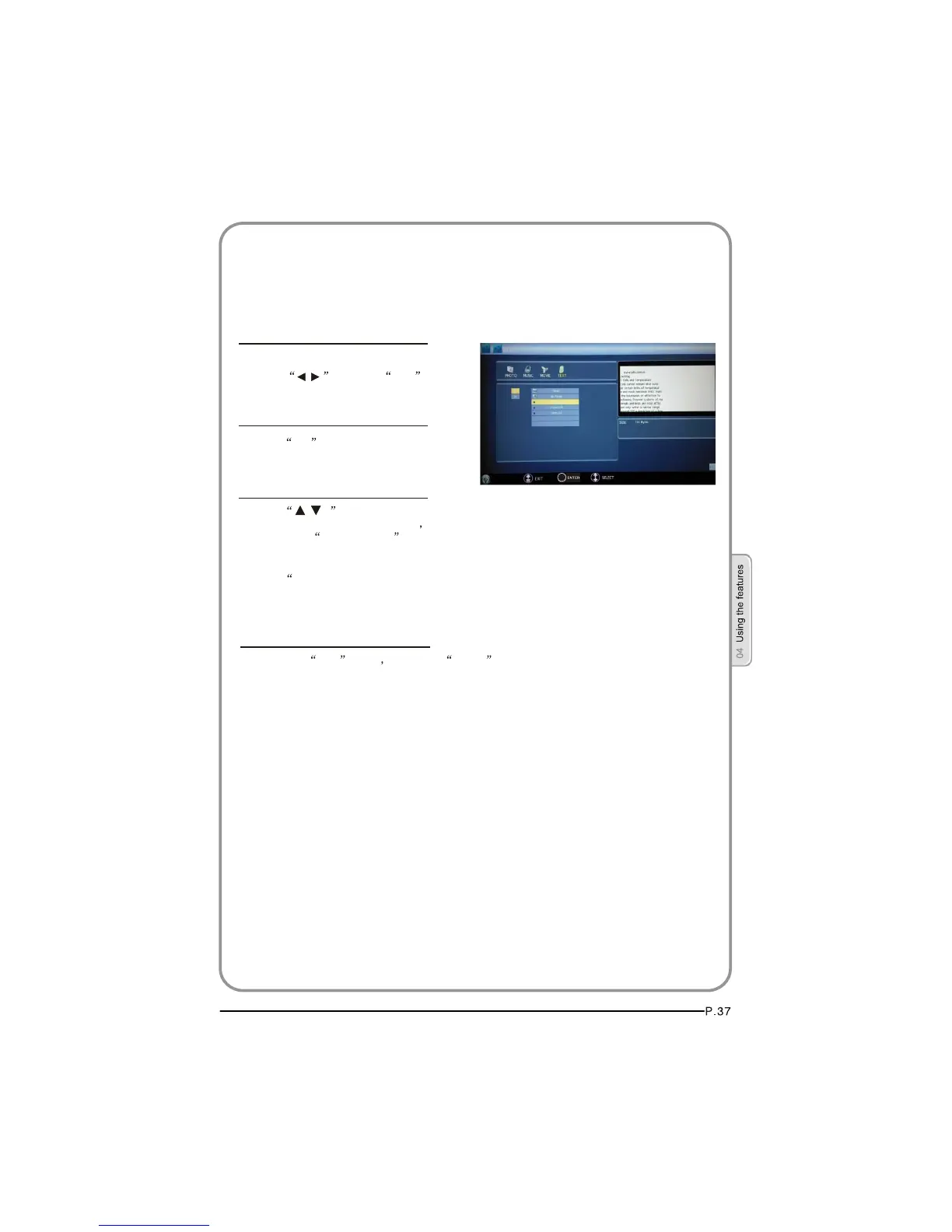
Text
1. After entering USB main interface,
press to select Text .
2. Press OK to confirm the selection
and enter the text file list.
4. To exit the Text mode just press BACK repeatedly.
3. Press and OK” buttonto
select the text you want to play and
then press PLAY/PAUSE button to play the text .
/
/
Press PREV/NEXT ” to select the last or next text.
USB MODE
NOTE: You can enjoy the music and the text at the same time.
OK



 To Next Page