7
Operation
Initialization
(1) The wired controller will display all the icons after be
powered on or reset, then it gets into the initializing process.
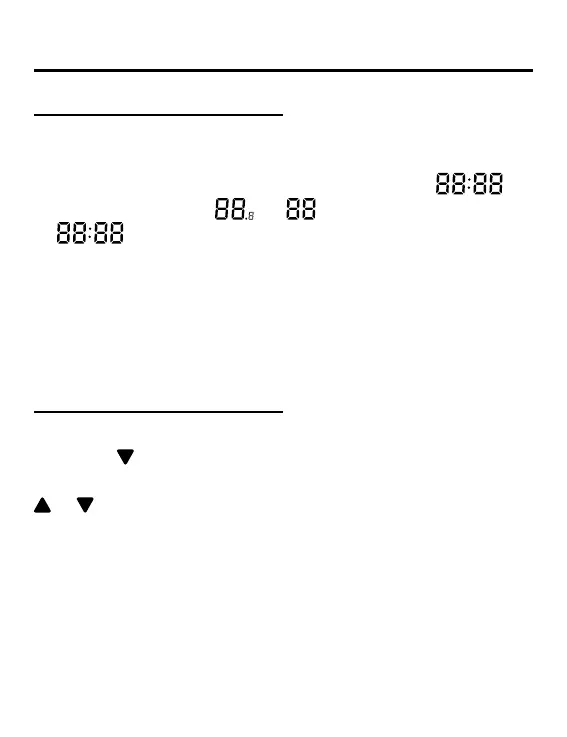
The controller will display in sequence as follows :
(the top-left corner) →
→ (the bottom-right corner)
→
(the top-left corner), the green LED (ON/OFF key)
ashes all the time until the initialization ends.
(2) If the wired controller can’t communicate with the indoor
unit PCB normally after powering on, the initialization will be
nished in 4 minutes, and then the communication malfunction
can be checked from the malfunction inquiry function.
Backlight time
(1) In the state of o , when the backlight is lit up, long press
TIME and
keys for 5 seconds to set backlight time, the
parameter value is displayed in the upper left corner. Press
or key to switch parameter between 00(means backlight
always on)/15S/30S/60S and conrm by pressing the key
MENU.
(2) The backlight time is xed for 15 seconds when the
controller is turned o.



 To Next Page