16
Swing
For part of models, the angle of swing can not be adjusted:
1. Press function key,
icon ashes, pressing function key
again to conrm. Swing icon will dynamically display. If
swing function is set, execute the above-mentioned process
to cancel the function, with swing icon disappeared.
2. Swing function is valid only SW7 is OFF,it will not in the
function cycle if SW7 is ON.
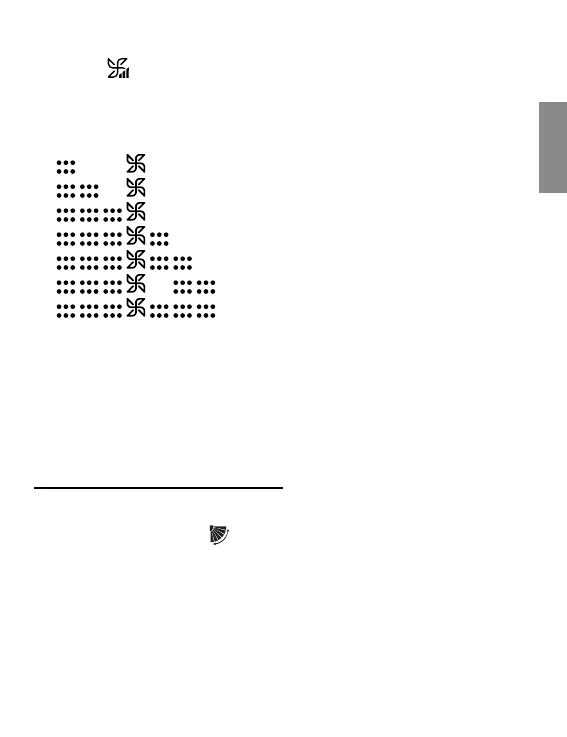
2. 7 fan speeds
Press
, fan speed is changed in cycle: seventh fan speed
→ sixth fan speed → fth fan speed → fourth fan speed →
third fan speed → second fan speed → rst fan speed →
AUTO → seventh fan speed.
: seventh fan speed
: sixth fan speed
: fth fan speed
: fourth fan speed
: third fan speed
: second fan speed
: rst fan speed
Note:
①
AUTO fan is changed in cycle:
[low]→[medium]→[high]→[low].AUTO is displayed under fan
icon.
②
There is no auto fan speed in fan mode.



 To Next Page