Halemeier GmbH & Co.KG - Lange Straße 51 - D 49326 Melle Neuenkirchen
4
25.350.72
11.04.2017
c MM 3 q m
S-Mier basic MulWhite²
Typ: HA-MW2 -E /-SMBS
/
Instrucons for controlling an S-Mier basic by several transmiers:
As each individual transmier changes command on the push of a buon, it is possible that an addional transmier may have to be acvated twice.
This may be the case if the lighng was switched o with transmier A for example and it was then switched back on with transmier B.
In this case transmier A would send an „On“ command when the corresponding buon was pressed. This would not, however, lead to a switching funcon as it
had already been shied to this switching status by transmier B in the meanme.
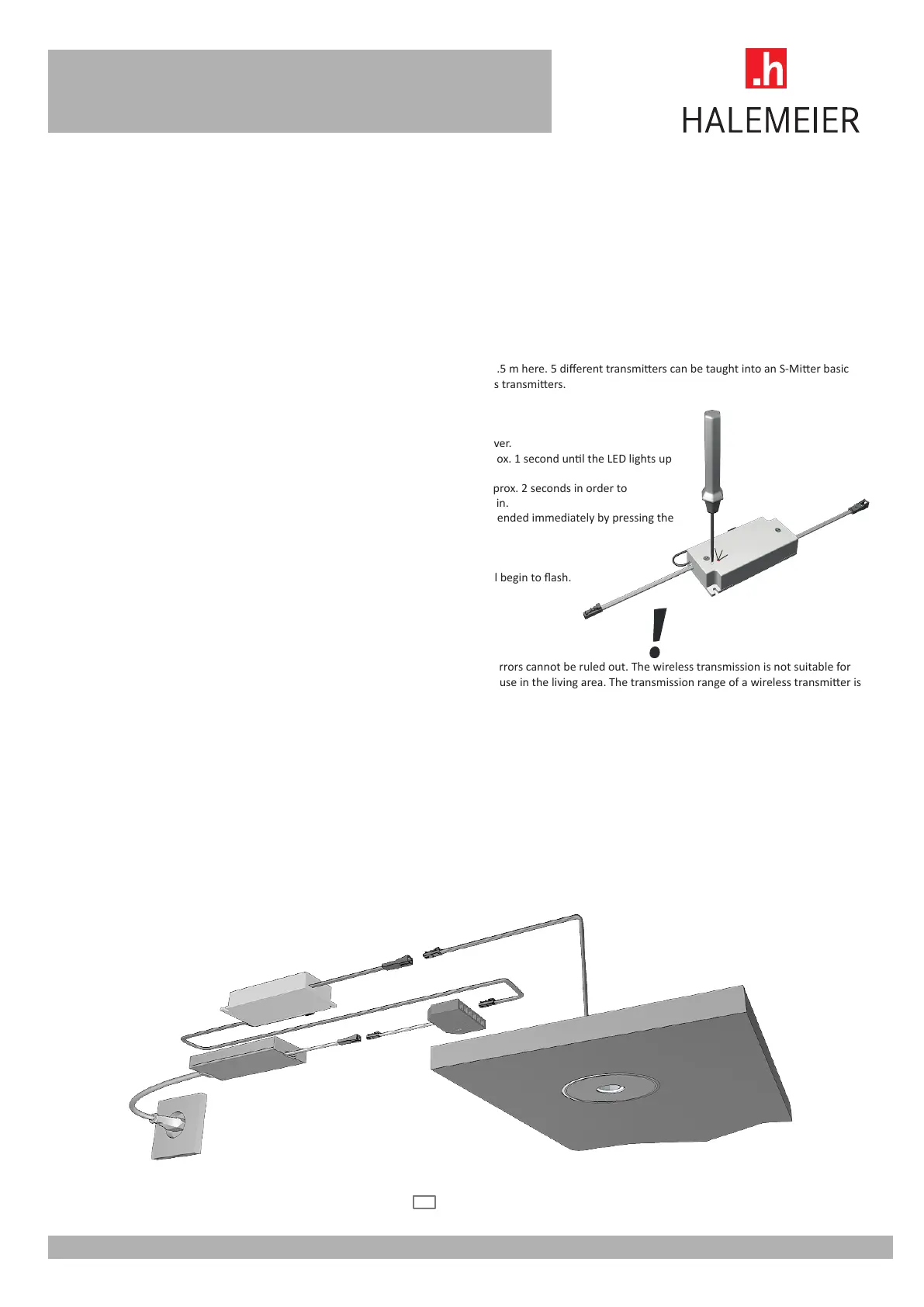
Connecon of the S-Mier basic MulWhite²
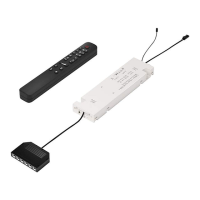
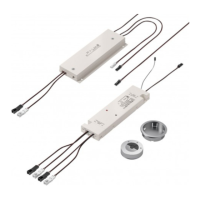
Establish connecon of the power supply via the connecons on the MulWhite² receiver. Voltage and output of the load must match the selected power supply/
electronic ballast. The limit values of the S-Mier basic must be adhered to. 12VDC max. 36W.
Programming of S-Mier basic MulWhite²
The distance between wireless transmier and MulWhite² receiver should not exceed 0.5 m here. 5 dierent transmiers can be taught into an S-Mier basic
MulWhite². The wireless transmier can be taught into an unlimited number of wireless transmiers.
Procedure - teaching in:
1. A buon for programming and an LED for display are located on the MulWhite² receiver.
2. Press the programming buon on the S-Mier basic MulWhite² down briey for approx. 1 second unl the LED lights up
permanently.
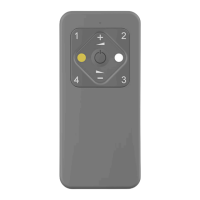
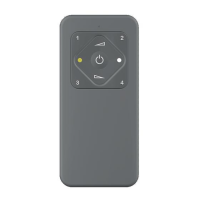
3. Then press the master buon on the hand-held transmier down straight away for approx. 2 seconds in order to
send a message. The LED goes out briey. A maximum of 5 transmiers can be taught in.
4. The programming process is ended automacally aer approx. 10 seconds or it can be ended immediately by pressing the
programming buon on the S-Mier again.
How to clear a learned transmier - delete enre transmier memory
1. Keep the programming buon on the MulWhite² receiver pressed down. The LED will begin to ash.
2. Connue to hold programming buon down unl the LED stops ashing.
3. Aer releasing the buon, all transmiers will be deleted.
Wireless transmission
A non-exclusive transmission path which is available is used for wireless transmission so errors cannot be ruled out. The wireless transmission is not suitable for
safety applicaons (emergency stop, emergency call). The wireless system is intended for use in the living area. The transmission range of a wireless transmier is
up to 30m in a free eld.
Hazards and disposal instrucons
Ensure that the load which is plugged in is in a secure state so that the switching on of the load does not cause any danger. The appliance is only intended for the
switching and dimming of lighng and no other terminal devices may be connected to the system. Observe the maximum permissible load of the connected load /
electronic ballast and MulWhite² receiver (see technical data).
Keep baeries out of reach of children.
If baeries are swallowed, call a physician immediately. Do not reverse polarity of the baeries and observe the [+] and [-] marks on the baery and the device. The
device is supplied with standard baeries which must not be charged. Charging these baeries may result in material damage and personal injury due to explo-
ding or leaking baeries. Observe all safety instrucons printed on the baery. Never open the baery or throw the baery or device into a re. Observe the local
regulaons for disposal.
Installaon below mirrors,
metal surfaces and foil must be
avoided.
LED ballast - This device should be accessible for maintenance.
en



 To Next Page
 Loading...