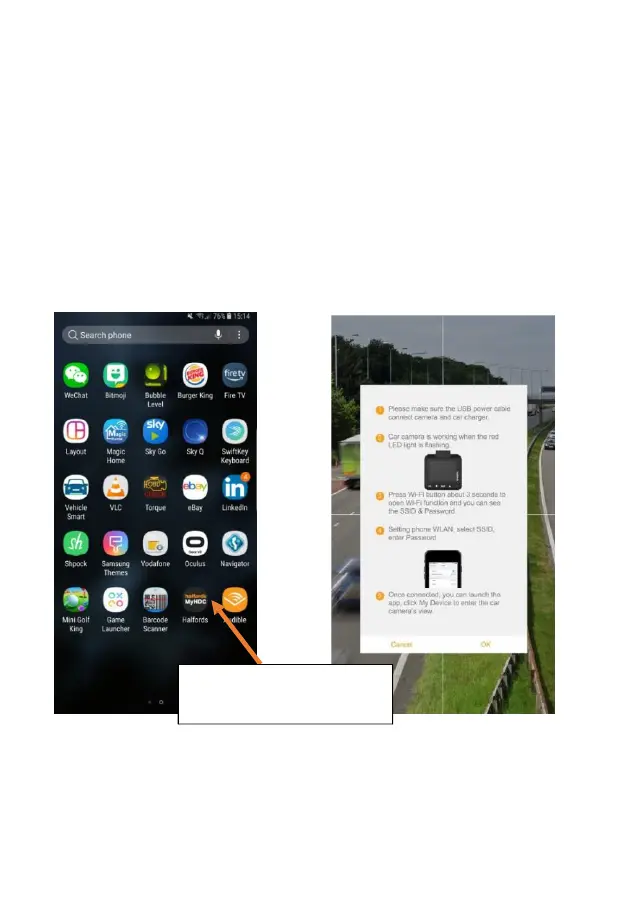
The MyHDC app lets you control your camera remotely using a smartphone or tablet. Features
include live preview, playback and downloading of content.
CONNECTING TO THE APP FOR THE FIRST TIME
Dash cam default password 66668888 (For HDC100/200/300/400)
Ensure you are within 2metre range of your dash cam
Switch mobile device Wi‐Fi ON
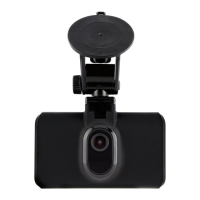
On dash cam select Menu (setup) > Wi‐Fi setup > On
Select dash cam SSID from your mobile Wi‐Fi available connections list
Once connection is made open APP
Select the Halfords MyHDC
APP on your mobile device



 To Next Page