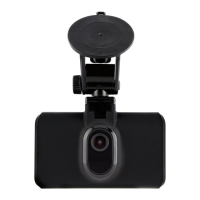
Need help?
Do you have a question about the Halfords HDC300 and is the answer not in the manual?
Ensures proper placement, data compliance, and safe operation, avoiding obstructions and driver distraction.
Guides on routing and connecting the dash cam's power cable.
Instructions for securely mounting the dash cam onto the vehicle's windscreen.
Step-by-step guide to connect the dash cam to your smartphone via Wi-Fi.
How to select and view video recordings stored on the dash cam.
Overview of adjustable settings within the dash cam's menu via the app.
Solutions for common SD card errors like slow speed or card faults.
 General
| Resolution | 1080p |
|---|---|
| GPS | No |
| Parking Mode | Yes |
| Loop Recording | Yes |
| G-Sensor | Yes |
| Viewing Angle | 120 degrees |
| Night Vision | Yes |
| Power Source | 12V Car Adapter |
| Storage | MicroSD card (up to 32GB) |


 To Next Page