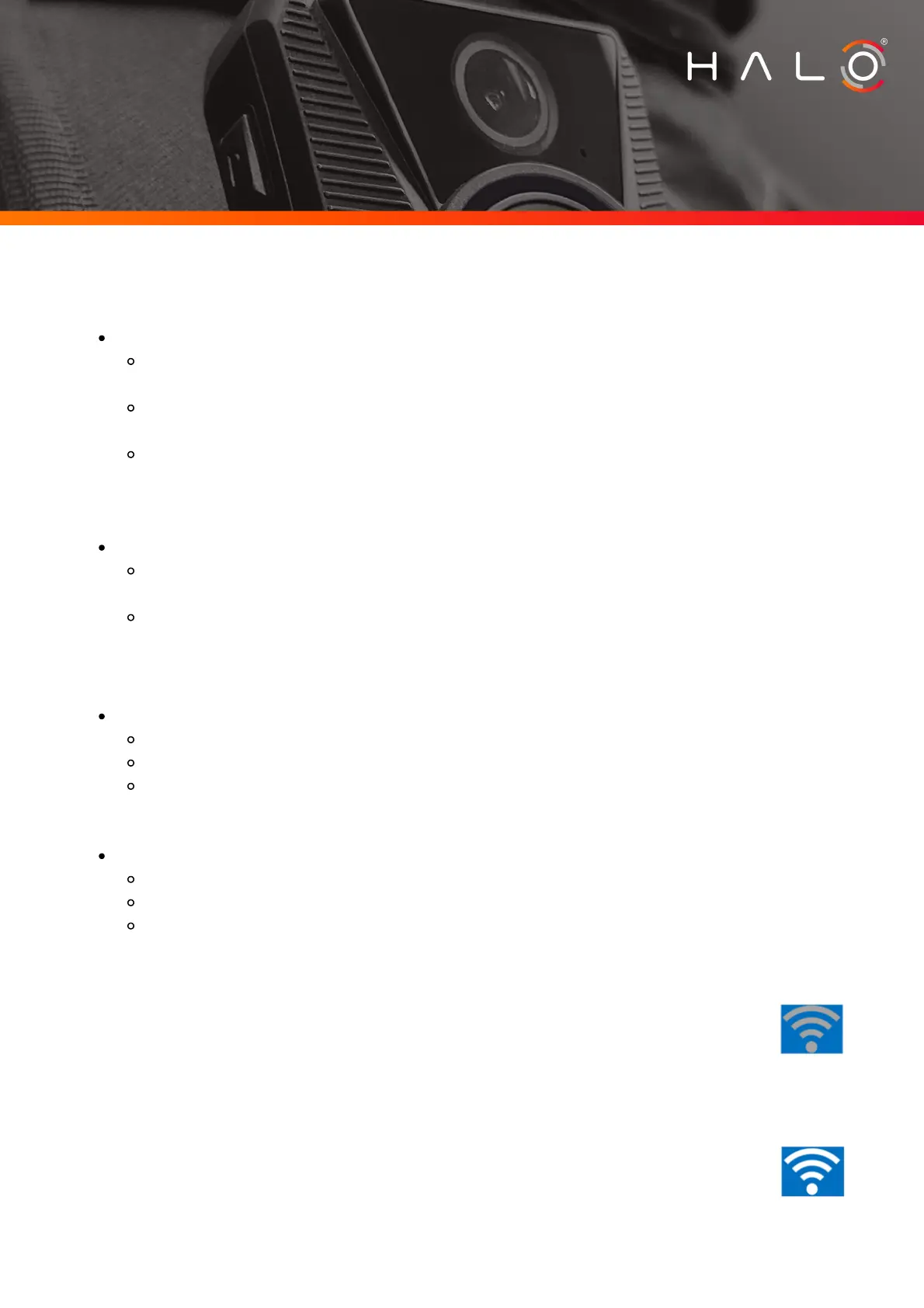
Turning the camera on/off:
Hold the power button for three seconds
The camera will vibrate, and the HALO logo will appear on the
display screen for a few seconds.
When successfully powered up, the screen will change to the default
display.
The light ring on the front of the camera will change to solid
blue.
Hold the power button for three seconds.
The camera will vibrate, the HALO logo will appear on the display
screen and the display will turn off.
The blue light ring will also turn off.
To turn the camera on
To power down the camera
Capturing footage:
To Record footage:
Single press the Record button
The light ring on the front of the camera will start to pulse blue.
The camera will vibrate and a counter (time) will appear on the
camera screen.
To stop recording
Single press the Record button
The light ring will stop pulsing blue
The counter on screen will disappear
WiFi:
The body cameras are generally pre-configured with the customer’s
SSID and password prior to shipping and will connect
automatically to the pre-configured access point once it is in
range. You can also connect the Camera to the access point using
WPS (if enabled). If the body camera is disconnected from wifi,
this symbol will appear.
If the body camera is connected to WiFi, it will indicate signal
strength by how many bars change from grey to white. This image
indicates the WiFi is connected, and the signal strength is
strong.
Page 3
S 3 - M A N U A L
HALO HORIZON



 To Next Page
 Loading...