EasyManua.ls Logo

Hama 121SLP - User Manual

Hama 121SLP
288 pages
Go to English
Print Icon
To Next Page IconTo Next Page
Loading...
DIGITAL PHOTO
00095296
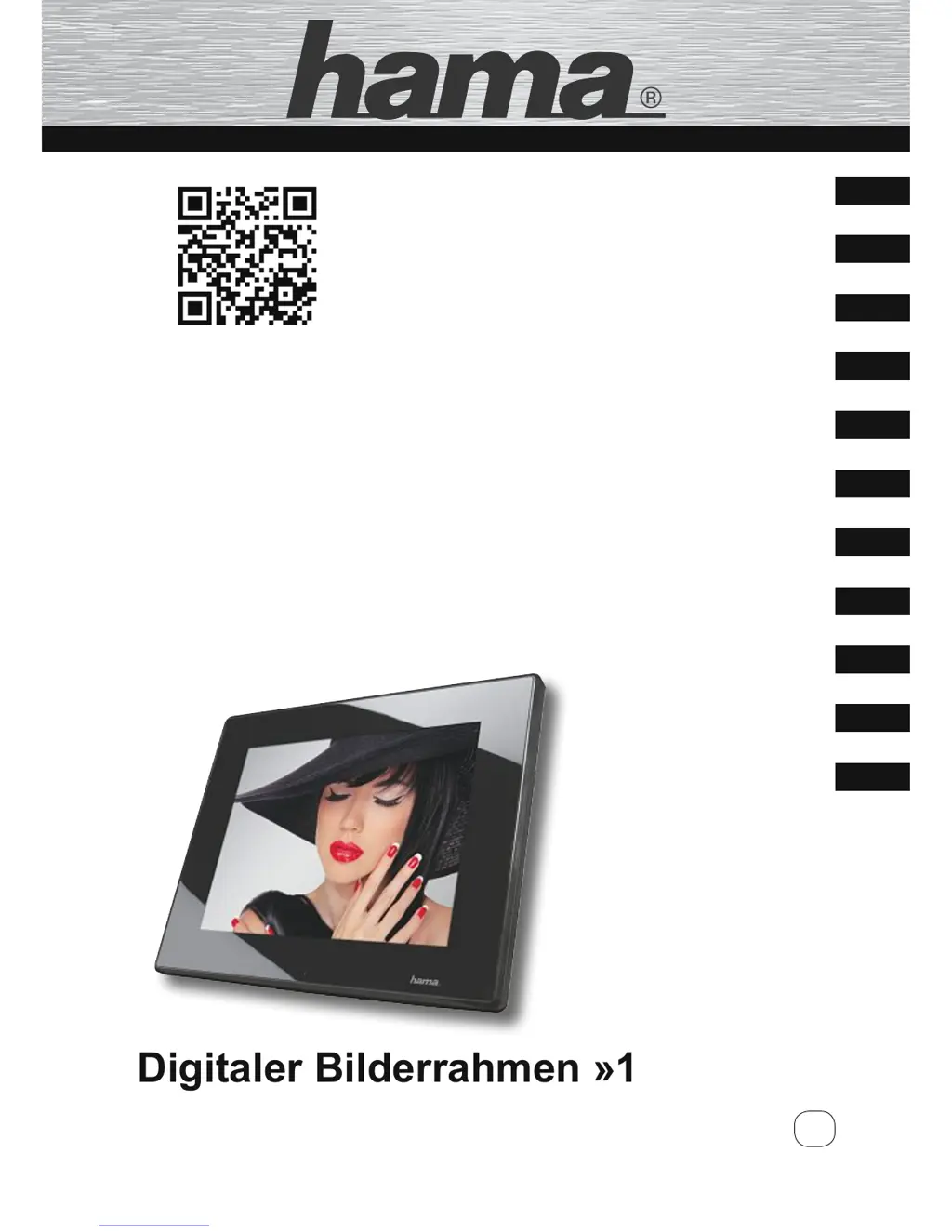
Digitaler Bilderrahmen »121SLP«
Digital Photo Frame
F
GB
D
Bedienungsanleitung
Operating Instructions
Mode d‘emploi
Instrucciones de uso
Introduzione
Manual de instruções
Gebruiksaanwijzing
Návod k použití
Návod na používanie
Instrukcja obsługi
Kezelési útmutató
E
NL
CZ
SK
H
PL
P
I
095296
More information
V2

Table of Contents

Questions and Answers

  • S
    Sonya GreenAug 2, 2025
    What to do if my Hama Digital Photo Frame display is blank?
    • S
      Sonya SmithAug 2, 2025
      If the Hama Digital Photo Frame display is blank, first, ensure the device is switched on. Then, check that the power supply adapter is correctly plugged into both the device and the power outlet. Verify that there is mains power by checking your fuse box. If the problem persists, it may indicate a faulty device, and you should contact customer service.
  • M
    Michelle ReyesAug 8, 2025
    What to do if my Hama 121SLP video or music does not play?
    • S
      Stephanie MitchellAug 8, 2025
      If your Hama Digital Photo Frame isn't playing videos or music, start by inserting a storage medium into the device. If a storage medium is already inserted, check the storage medium to ensure it contains files.
  • L
    Laura WilliamsAug 13, 2025
    Why is there no sound on my Hama 121SLP Digital Photo Frame?
    • K
      Kevin MartinAug 13, 2025
      If you are not getting any sound from your Hama Digital Photo Frame, the device might be set to “Mute”. Try increasing the volume on the device.
  • C
    Christopher IngramAug 19, 2025
    What to do if no image appears on my Hama 121SLP?
    • M
      Mr. Riley RiceAug 19, 2025
      If no image appears on your Hama Digital Photo Frame, ensure that a storage medium is inserted into the device. If a storage medium is already inserted, check your storage medium to ensure it contains data.
  • B
    Barry WrightAug 27, 2025
    Why videos do not play smoothly on my Hama Digital Photo Frame?
    • B
      Bryan BallardAug 27, 2025
      If videos do not play or playback is not smooth on your Hama Digital Photo Frame, the video might be in an incorrect format. Try converting the video to a different format.

Summary

Introduction

Warnings

Defines warning symbols (DANGER, WARNING, CAUTION, NOTE) and their significance for user safety.

Basic Safety Instructions

Provides crucial safety guidelines for device operation, handling, and maintenance to prevent damage.

Design and Functionality

Installation and Connections

Guides on placing the device, mounting it on a wall, and connecting cables.

Operation

Navigating the Menu System

Explains how to use the device's menu for navigation and function selection.

Functions

Photo Playback and Management

Details how to display photos, use the photo menu, and manage slideshows.

Troubleshooting

Error Resolution Guide

Provides a table of common errors, their causes, and step-by-step solutions.

Support Information

Hama 121SLP Specifications

General IconGeneral
Aspect ratio16:10
Audio formats supportedMP3
Built-in speaker(s)Yes
Card reader integratedYes
Built-in MemoryNo
Supported memory cardsMMC, SD
USB versionUSB 2.0
Image formats supportedJPEG
Video formats supportedAVI
Power SupplyAC adapter

Related product manuals