12. Factory settings
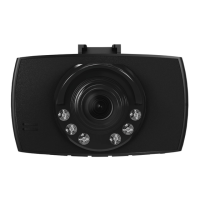
To reset the Dashcam to the factory default settings, proceed as follows:
• Switch off the Dashcam as described in 7.2 Switching on/off.
• Press and hold [Reset] (4) for about 3seconds using apointed object.
• Alternatively,you can restorethe factory settings as described in Section 9.3.5 Factory settings.
• All settings you made aredeleted.
Note
• Resetting to the factory default settings can solve some problems and malfunctions.
• However,all settings made previously arepermanently deleted.
13. Care and Maintenance
• Only clean this product with aslightly damp, lint-free cloth and do not use aggressive cleaning agents.
• Make surethat water does not get into the product.
14. Warranty Disclaimer
Hama GmbH &CoKG assumes no liability and provides no warranty for damage resulting from
improper installation/mounting, improper use of the product or from failuretoobserve the operating
instructions and/or safety notes.
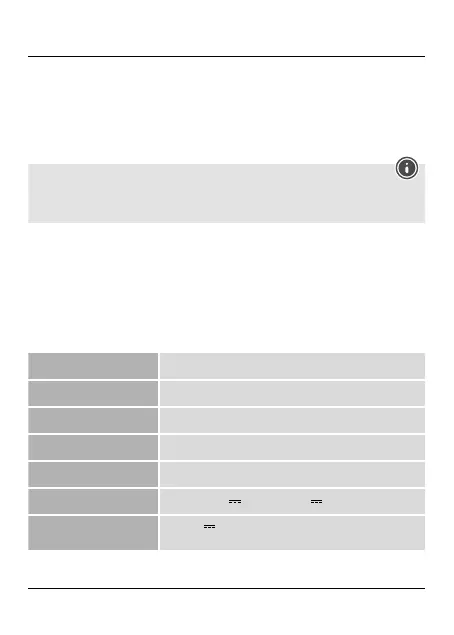
15. Technical Data
Max. resolution 89 x48x35mm
Screen size:2.4"
Max. Resolution Photo: 12 megapixels | Video: 1080i
Data format Photo: JPEG | Video: AVI
Memory card Supports microSD memory cards up to 32 GB
Powersupply Input: 12 V-24V 0,5A; Output: 5V ;1A; cable length: 2m
Battery
Input:5V 290mA; Type:3,7 V/LiPo;
Min. capacity: 130 mAh /0.48Wh
14


 To Next Page