4
G Operating instruction
Thank you for choosing aHama product.
Take your time and read the following instructions and
information completely.Please keep these instructions
in asafe place for futurereference. If you sell the device,
please pass these operating instructions on to the new
owner.
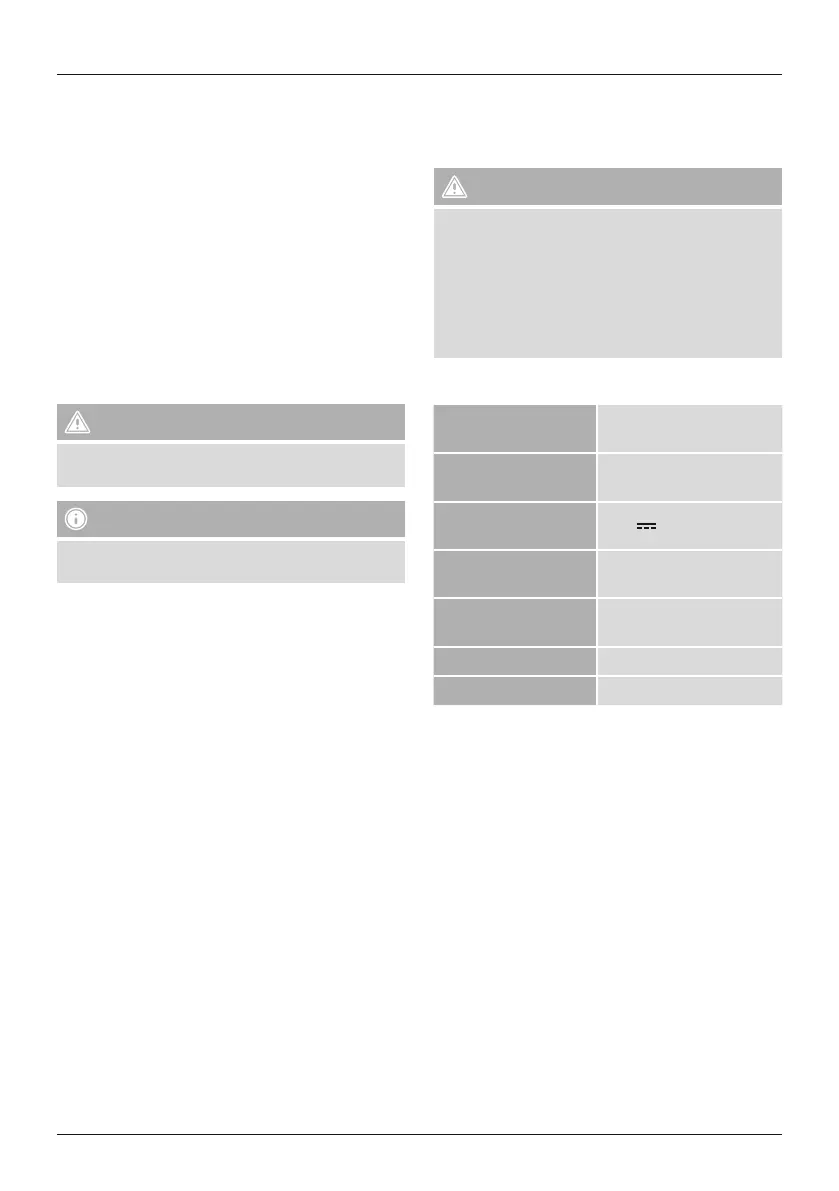
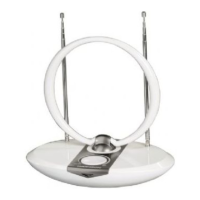
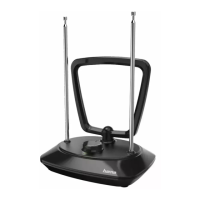
Controls and Displays
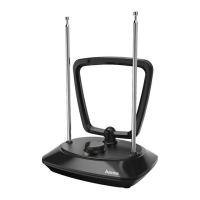
1. DC 12 Vinput
2. Antenna cable
3. LED
4. Dial
5. Ring dipole
6. Telescopes
1. Explanation of Warning Symbols and Notes
Warning
This symbol is used to indicate safety instructions or to
draw your attention to specichazards and risks.
Note
This symbol is used to indicate additional information or
important notes.
2. Package Contents
• DVB-TIndoor Antenna
• power supply unit
• These operating instructions
3. Safety Notes
• The product is intended for private, non-commercial use
only.
• The product is intended for indoor use only.
• Use the product for its intended purpose only.
• Protect the product from dirt, moistureand overheating
and use it in dry rooms only.
• Children should be supervised to ensurethat they do not
play with the device.
• Do not use the product in areas wherethe use of elec-
tronic devices is not permitted.
• Connect the product only to asocket that has been ap-
proved for the device. The electrical socket must always
be easily accessible.
• Disconnect the product from the network using the
power button –ifthis is not available, unplug the power
cordfromthe socket.
• Lay all cables so that they do not pose atripping hazard.
• Do not bend or crush the cable.
• Do not drop the product and do not expose it to any
major shocks.
• Dispose of packaging material immediately according to
locally applicable regulations.
• Do not modify the device in any way.Doing so voids the
warranty.
Warning
• Do not use the product if the AC adapter,adapter
cable or power cable is damaged.
• Do not attempt to service or repair the device
yourself.Leave any service work to
qualied experts.
• Do not open the device or continue to operate it if it
becomes damaged.
4. Specications
Supply voltage
power supply unit
220 –240 V~/50 Hz
Rated power
consumption
max. 15 mA
Supply voltage
antenna
12 V 100 mA
Frequency band(s)
UHF: 470 –790 MHz
VHF: 174 –230 MHz
Active antenna gain
UHF: 7–19dBi
VHF: 11 –16,5 dBi
Connection coax plug
Ambient temperature -20 to +40° C
5. Startup and Operation
• Connect the antenna’s powersupply unit to asocket and
connect the antenna cable to the TV (Pic. 2a).
LED lights up (3).
• If you’re using an external DVB-Treceiver,connect the
antenna to the mains plug and the DVB-Treceiver
(Pic. 2b).
• Forperfect reception, extend both telescopes (6) fully.
• Position the antenna for the best possible reception.
Depending on horizontal or vertical polarisation in the
UHF band, both the ring dipole (5) and the telescopes
(6) can be adjusted.
• Depending on the station, the amplier performance (4)
must be adjusted using the dial.
• Switch off the antenna when it is not in use.


 To Next Page