•Check the Bluetooth settings of your
terminal device to see whether hama
SeleFun is connected. If it is not,
repeat the steps described above.
•Check whether obstacles are
impairing the range. If so, move the
devices closer together.
•Low battery charge can impair the
connection. Fully charge the battery
if necessary.
•Only one Bluetooth device can be
connected at atime. If thereisan
active connection to another
•device, deactivate this connection
and try again.
6.2. Remote release function
•Once you have established the
Bluetooth connection, open the camera
function on your terminal device and
select the desired camera(front or rear
camera), if applicable.
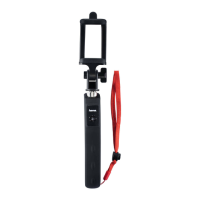
•Mount the smartphone in the bracket
(3) and ensurethat it is secure.
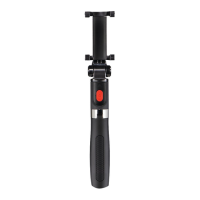
•Extend the SeleFun 70 BT telescopic
pole to the desired length.
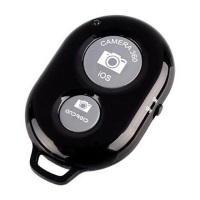
•Press the release button (2) to
trigger the selected function (sele,
photo, video).
7. Care and Maintenance
Only clean this product with aslightly
damp, lint-free cloth and do not use
aggressive cleaning agents. Make sure
that water does not get into the product.
8. Warranty Disclaimer
Hama GmbH &Co. KG assumes no liability
and provides no warranty for damage
resulting from improper installation/
mounting, improper use of the product
or from failuretoobserve the operating
instructions and/or safety notes.
9. Service und Support
Please contact Hama Product Consulting
if you have any questions about this
product.
Hotline: +49 9091 502-115 (German/
English)
Further support information can be
found here:
www.hama.com
5


 To Next Page