6
G Operating instruction
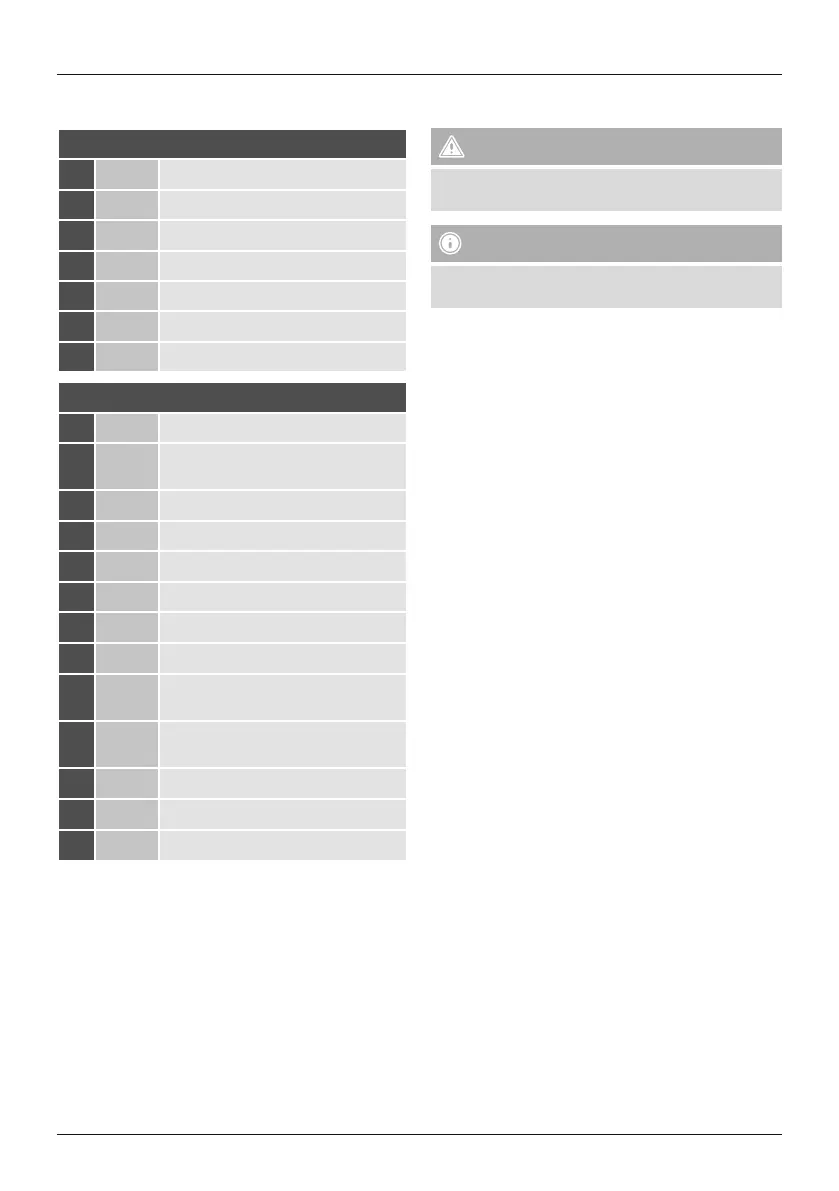
Controls and displays
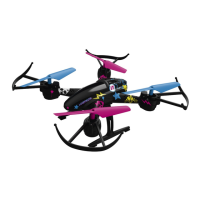
A: Model aircraft
1
Rotors
2
Fuselage
3
Landing/standing legs
4
Battery bay
5
LEDs
6
Rotor guard
7
Slide switch for ON/OFF
B: Remote control
1
Loop button
2
Left control lever (climb/descend, turn
left/right/ Rotieren)
3
Hbutton (highest speed)
4
Video button (no function)
5
Lbutton (lowest speed)
6
Photo button (no function)
7
Headless mode
8
360° roll
9
Right control lever (left/right, forwards/
backwards)
10
Tweaking (trimming), forwards/
backwards
11
Tweaking (trimming), left/right
12
On/off button /LED indicator
13
Battery compartment
Thank you for choosing aHama product.
Take your time and read the following instructions and
information completely.Please keep these instructions in a
safe place for futurereference. If you sell the device, please
pass these operating instructions on to the new owner.
1. Explanation of Warning Symbols and Notes
Warning
This symbol is used to indicate safety instructions or to
draw your attention to specic hazards and risks.
Note
This symbol is used to indicate additional information or
important notes.
2. Package contents
• Drone
• 1xremote control
• 1xbattery for the drone
• 1xUSB charging cable
• 1xwrench
• 4xreplacement rotor blades
• 1xcarrier lm with stickers
• 4xAA batteries
• 2xpylons
• 1xdrone landing pad
• These operating instructions


 To Next Page