EasyManua.ls Logo

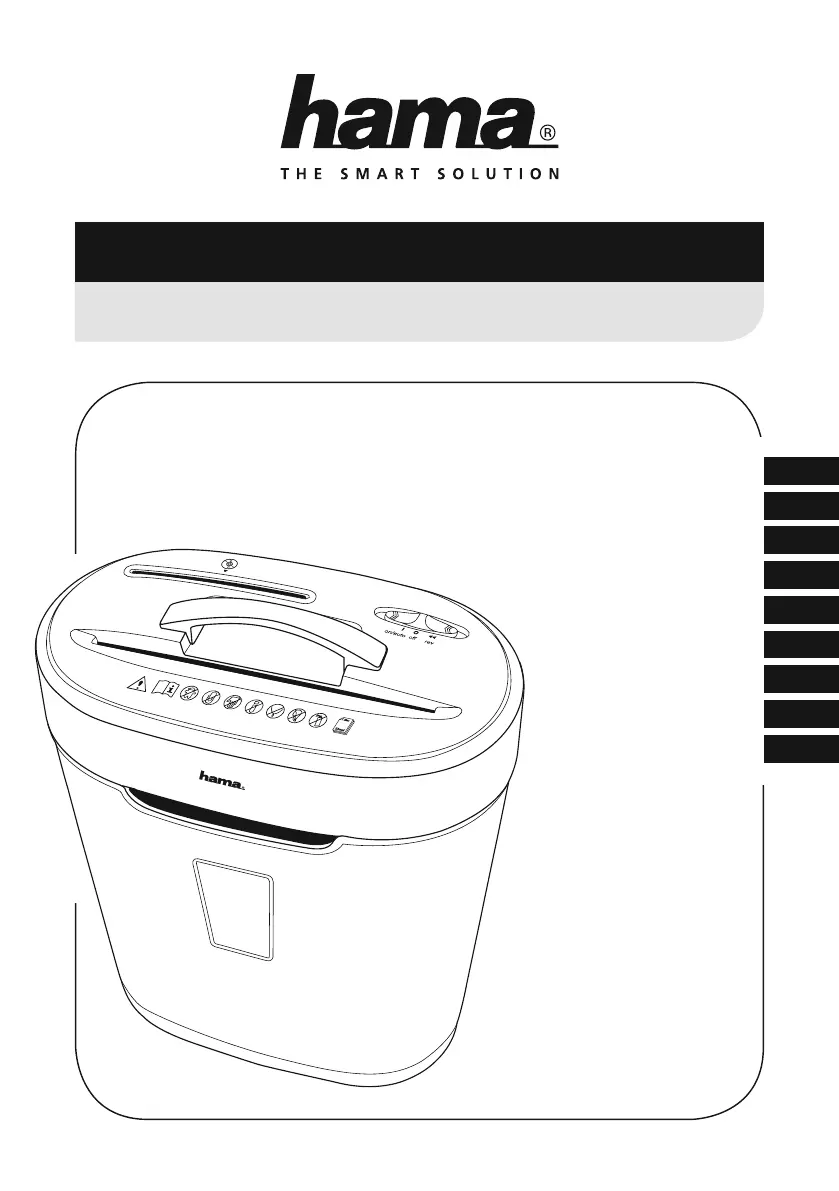
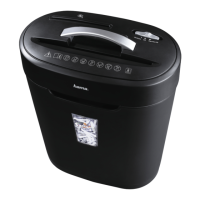
Hama PREMIUM X10CD - User Manual

Hama PREMIUM X10CD
96 pages
Print Icon
To Next Page IconTo Next Page
Loading...
8
CZ
F
D
GB
I
NL
H
RUS
SK
Operating Instructions
Bedienungsanleitung
Mode d‘emploi
Руково дство по эксплуатации
Istruzioni per l‘uso
Gebruiksaanwijzing
Használati útmutató
Návod kpoužití
Návod na použitie
PREMIUM X10CDShredder
Aktenvernichter
00
050189

Table of Contents

Questions and Answers

  • B
    Brittany SmithAug 5, 2025
    Why won't the Hama PREMIUM X10CD Paper Shredder cutting rollers turn on automatically?
    • P
      Patricia SmithAug 5, 2025
      If the Hama Paper Shredder's cutting rollers don't start automatically, several factors could be at play. First, ensure the operating switch is set to the “On/ Auto” position. Next, verify the connection cable is properly plugged into the socket and that there is mains power by checking your fuse box. If the issue persists, the device may be faulty, or it might have overheated due to exceeding the 2-minute continuous operation limit. In the latter case, switch off the Hama Paper Shredder and allow it to cool down for at least 25 minutes before attempting to use it again.

Hama PREMIUM X10CD Specifications

General IconGeneral
Shredding Capacity10 sheets
Shred TypeCross-cut
Security LevelP-4
Shred Speed2.5 m/min
Bin Capacity23 liters
Noise Level58 dB
Dimensions360 x 280 x 600 mm
Material ShredsPaper, Credit Cards
Paper Capacity10 sheets
Auto Start/StopYes
Overheat ProtectionYes
Reverse FunctionYes

Related product manuals