8
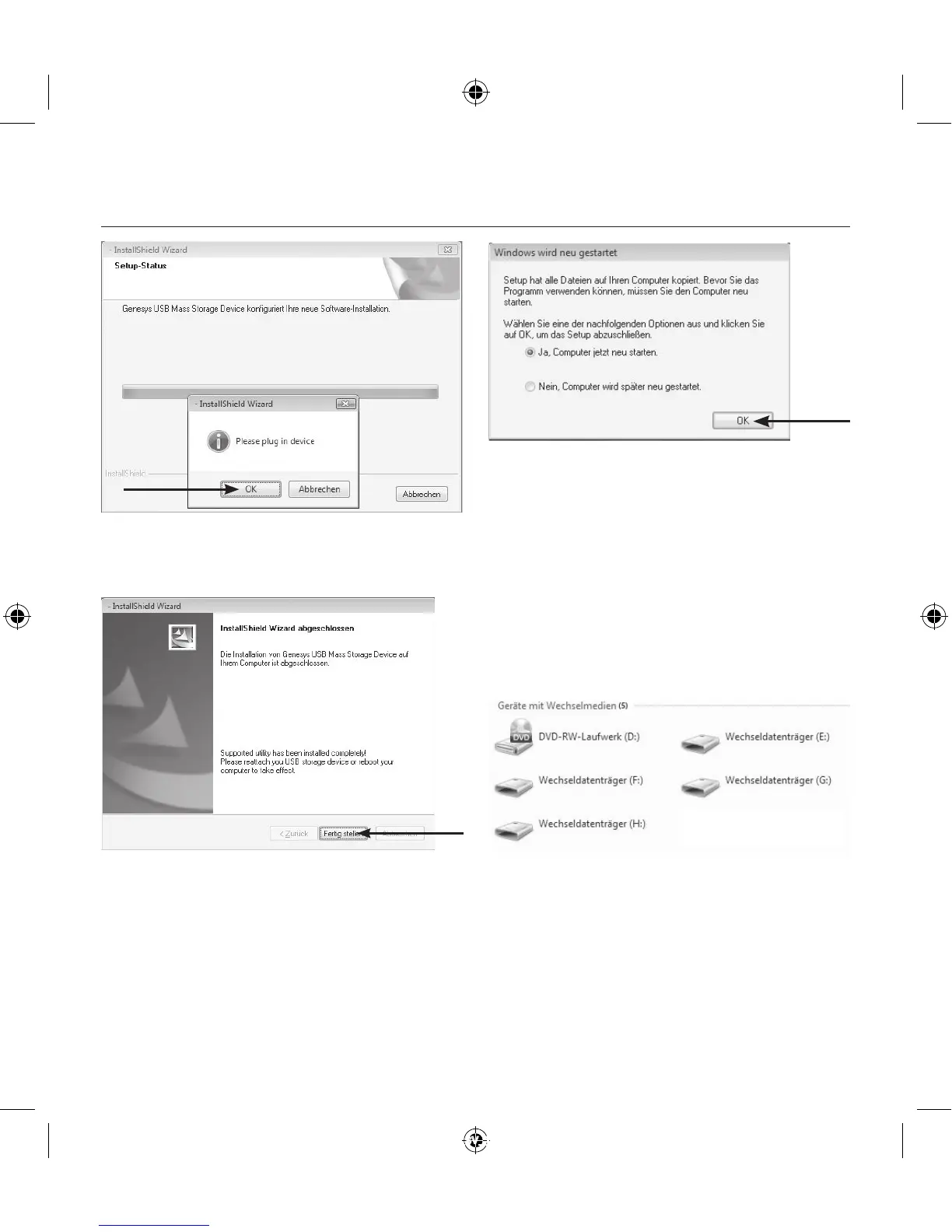
7. The installation (which takes up to 5 minutes) is
complete when you confi rm with the “Finish”
symbol.
8. You will then be asked to restart your system.
9. If the Turbo Driver software has been successfully
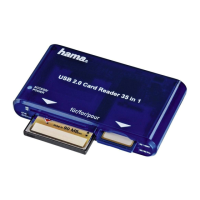
installed, the multi-card reader will show up as a
removable storage medium in My Computer and will
be assigned its own drive letters.
Five removable storage media are available:
Removable storage medium (1:) for CF card types
Removable storage medium (2:) for SD card types
Removable storage medium (3:) for MS card types
Removable storage medium (4:) for MicroSD cards
The multi-card reader is now fully installed and can
operate at the full data rate.
00114836man_cs_de_el_en_es_fi_fr_hu_it_nl_pl_pt_ro_ru_sk_sv_tr.indd 8 20.06.12 16:02


 To Next Page