1
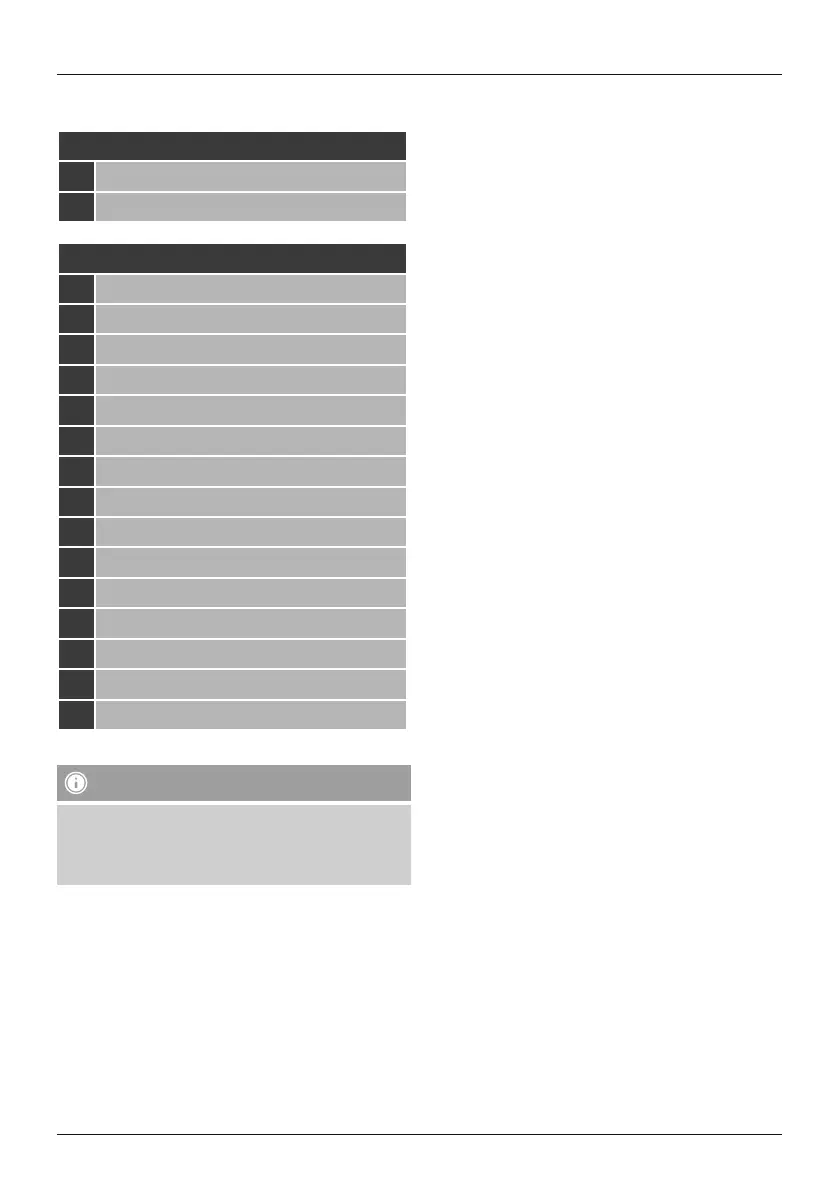
Controls and Displays
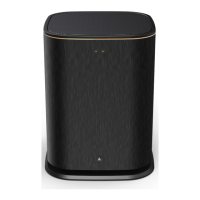
A: Radio Front
1 Power status LED
2 Mode status LED
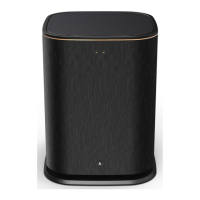
B: Radio Rear
1 Clip (overload) status LED
2 Standby/Volume*
3 Volume status LED
4 Frequency controller
5 [MODE] button
6 [RESET] button
7 [LED] switch
8 Update port
9 AUX-In socket
10 LAN connection
11 HF IN socket
12 LF IN socket
13 [POWER] switch
14 Mains lead
15 Ambient lighting
Note
*The rotary control has adual function. By turning the
rotary control, you can adjust the volume. By pressing
the rotary control, you can set the device to standby
mode or wake up the device from standby mode.


 To Next Page