2
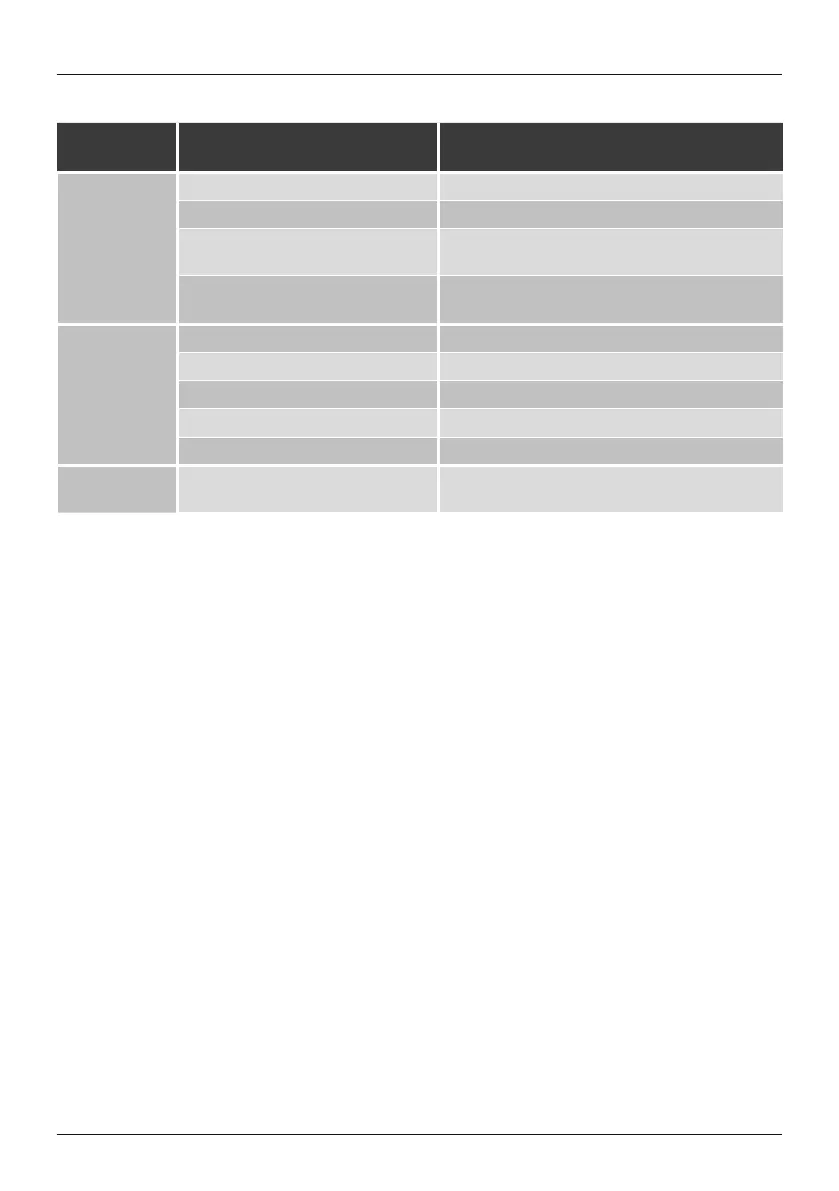
LED indicator
LED Indicator Description
POWER LED
Constant red light
The device is now in standby mode.
Flashes red
The device has no Internet connection.
Flashes gr
een
The device is now in setup mode. (Initial setup via UNDOK
may now commence.)
Constant gr
een light
The Internet connection was successfully established.
MODE LED
Constant green light
The device is now in AUX IN mode.
Constant blue light
The device is now in HF IN mode.
Constant yellow light The device is now in LF IN mode.
Constant red light The device is now in Multi-room mode.
Off No source was selected.
CLIP LED Constant red light
Subwoofer is overloaded.
Note: Minimise the volume until the LED goes out.


 To Next Page