2
G Operating instruction
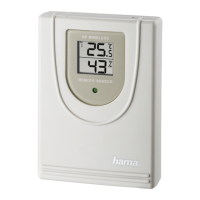
Controls and Displays
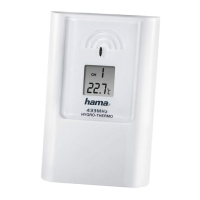
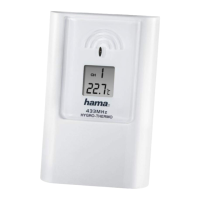
A Measuring station
1. LED indicator
2. Battery compartment
3. RESET button = restores factory settings
4. CHANNEL slide switch = selects channel
5. Recess for wall mounting
6. LCD display
Thank you for choosing a Hama product.
Take your time and read the following instructions and information
completely. Please keep these instructions in a safe place for future
reference. If you sell the device, please pass these operating instructions
on to the new owner.
1. Explanation of Warning Symbols and Notes
Warning
This symbol is used to indicate safety instructions or to draw your
attention to specic hazards and risks.
Note
This symbol is used to indicate additional information or important
notes.


 To Next Page