1. Explanation of the Note symbol
Note
► This symbol is used to indicate additional information or important notes.
2. Package Contents
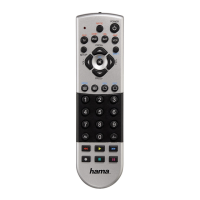
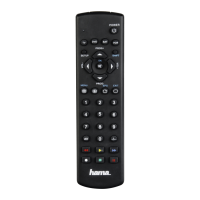
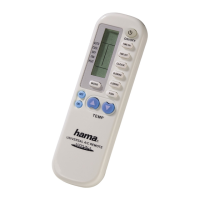
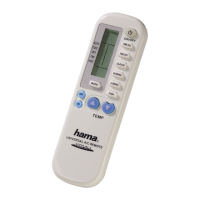
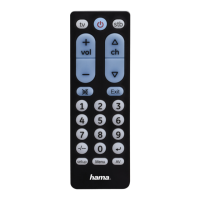
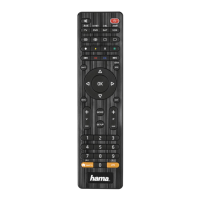
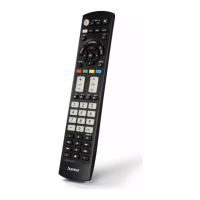
Universal Remote Control (URC)
Code List
This operating instructions
3. Safety notes
• Do not use the Universal Remote Control in moist or wet environments and avoid spray-water
contact.
• Do not expose the Universal Remote Control to heat sources or direct sunlight.
• Do not drop the Universal Remote Control.
• Never open the Universal Remote Control. It contains no user-serviceable parts.
• As with all electrical devices, keep the Universal Remote Control away from children.
v
4. Getting started – installing the Batteries
Note
► Alkaline batteries are recommended. Use 2 „AAA“ (LR 03/Micro) type batteries.
► Remove the battery compartment lid on the back of your URC (A).
► Check the required battery polarity and insert batteries according to the “+/–” marks inside the
compartment (B).
► Close battery compartment lid (C).
Note: Code saver
► Any codes you have programmed remain stored for up to 10 minutes while you replace the battery.
Make sure you do not press any buttons before you have placed new batteries inside the remote
control.



 To Next Page
 Loading...