10
Programming
1
AM
2
AM
3
AM
4
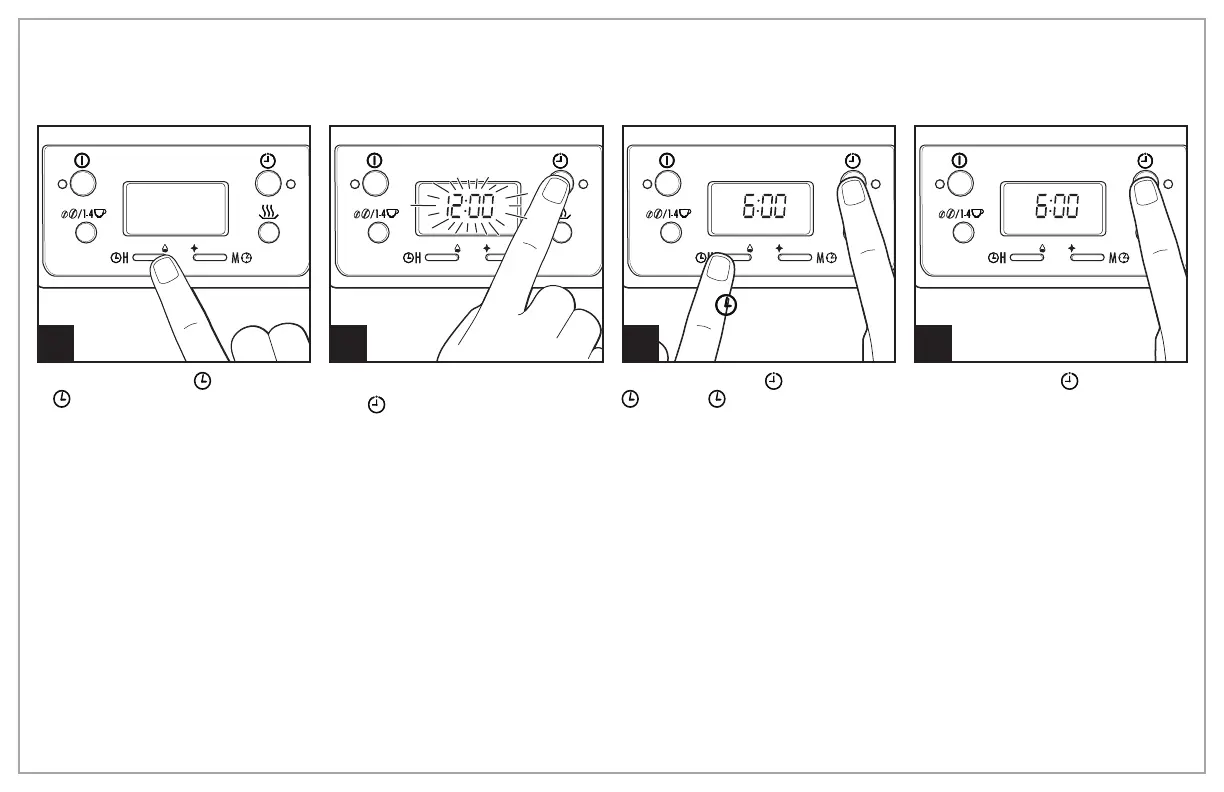
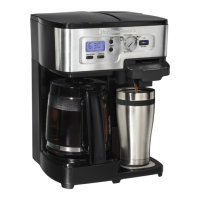
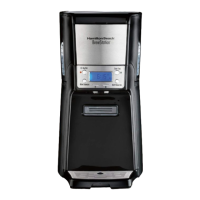
To set clock: Press H and then
M .
NOTE: Clock time must be set for
programming function to work.
To program auto brew: Press and
hold
until clock flashes.
Continue holding
;
then press
H and M until the desired
brewing start time is reached.
Press and release
to activate
automatic brewing. A green
light will signal that the unit is in
program mode.





 To Next Page