5
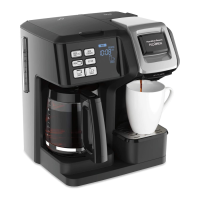
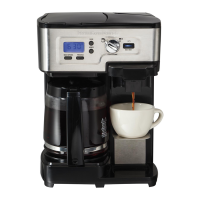
Control Panel
Icon Description
Power ON/OFF
Press to start brewing or to manually turn on and off. Illuminates white when machine is off. Illuminates
red when machine is on/brewing.
Hot Single Used to brew hot single-serve and select cup size 8, 10, 12, or 14 oz.
Iced Single Used to brew iced single-serve and select cup size 10, 12, or 14 oz.
Carafe Used for brewing a carafe and select carafe brew size 2, 4, 6, 8, 10, or 12 cups.
Brew Strength Press to choose brew strength, regular or bold.
Time Used to set time and to turn the clock display on/off.
Auto Brew Set up to brew coffee at a certain time of day and to turn Auto Brew mode on.
Keep Warm Keeps brewed coffee warm for 2 hours.
Add Water Add water to Reservoir.


 To Next Page
 Loading...