EasyManua.ls Logo

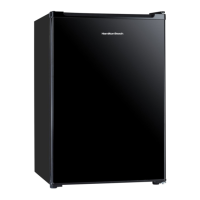
Hamilton Beach HBFRF1705-WHITE - User Manual

Hamilton Beach HBFRF1705-WHITE
22 pages
Print Icon
To Next Page IconTo Next Page
Loading...
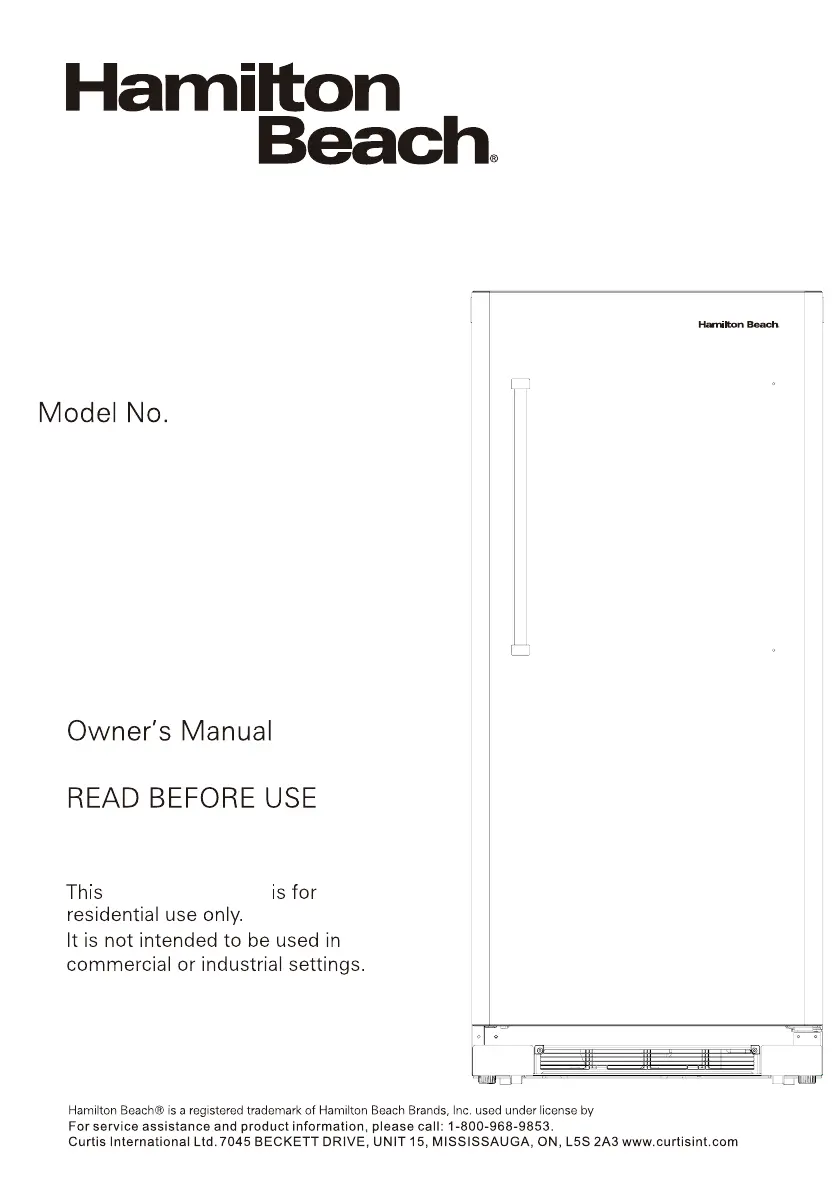
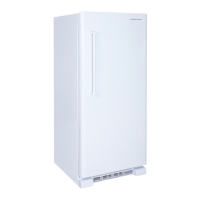
2 IN 1 CONVERTIBLE
FREEZER/REFRIGERATOR
Refrigerator Freezer
Curtis International Ltd.
HBFRF1705-WHITE

Questions and Answers

  • J
    jaygreerAug 6, 2025
    How to troubleshoot a Hamilton Beach HBFRF1705-WHITE Refrigerator with no power?
    • R
      Randy PattersonAug 6, 2025
      If your Hamilton Beach Refrigerator has no power, first check the fuse or circuit breaker. Also, make sure the refrigerator's plug is fully inserted into the wall outlet.
  • C
    Christopher GriffinAug 11, 2025
    Why is my Hamilton Beach Refrigerator not cold enough?
    • R
      Robert LeeAug 11, 2025
      If the internal temperature of your Hamilton Beach Refrigerator isn't cold enough, try these steps: * Adjust the temperature setting to a colder setting. * Make sure the door is properly shut and not opened too often. * Check the exhaust vent for any obstructions. * Avoid putting large amounts of warm food into the refrigerator at once. * Move the refrigerator away from heat sources or direct sunlight. * Consider using the refrigerator in a cooler, less humid environment.
  • W
    wesleyfordAug 17, 2025
    Why does my Hamilton Beach HBFRF1705-WHITE keep running?
    • C
      Christopher CollinsAug 17, 2025
      If your Hamilton Beach Refrigerator runs continuously, consider the following: 1. Adjust the temperature setting to be warmer. 2. Ensure the door is properly shut and not opened excessively. 3. Avoid adding large quantities of warm food to the cabinet at once. 4. Move the appliance away from heat sources or direct sunlight. 5. Consider operating the appliance in a cooler, less humid environment.
  • A
    austin31Aug 23, 2025
    What to do if my Hamilton Beach Refrigerator is too cold?
    • M
      Martin DanielsAug 23, 2025
      If the internal temperature of your Hamilton Beach Refrigerator is too cold, adjust the temperature setting to be warmer.
  • K
    Kayla EllisAug 29, 2025
    Why is my Hamilton Beach HBFRF1705-WHITE making noises?
    • M
      Mindy JonesAug 29, 2025
      If you hear noises from your Hamilton Beach Refrigerator, it's likely due to parts expanding or refrigerant circulating, which is a normal operating sound.

Summary

Product Introduction

Important Safeguards

Essential safety precautions to follow when using electrical appliances to prevent hazards.

Grounding Instructions

Guidelines on proper grounding to reduce the risk of electric shock.

Part Names

Installation Instructions

Location

Guidance on choosing the optimal placement for the appliance, considering environmental factors.

Leveling Instructions

Steps to ensure the appliance is stable and level using adjustable legs.

Operating Instructions

Control Panel

Explanation of the control panel functions, temperature setting, and fast freeze feature.

Handle Installation

Step-by-step guide for attaching the appliance's door handle.

Door Reversal Instructions

Detailed steps for reversing the direction of the appliance door opening.

Care & Maintenance

Cleaning

Instructions for cleaning the interior and exterior of the appliance, including door seals.

Power Failure

Advice on how to handle power outages and restart procedures.

Moving

Steps to safely move the appliance, including securing parts and transportation tips.

Troubleshooting

Product Specifications

Warranty Card

1 Year Warranty

Details of the product's one-year warranty coverage, exclusions, and terms.

Hamilton Beach HBFRF1705-WHITE Specifications

General IconGeneral
BrandHamilton Beach
ModelHBFRF1705-WHITE
ColorWhite
Energy Star CertifiedNo
Defrost TypeManual
TypeRefrigerator
Capacity1.7 cubic feet

Related product manuals