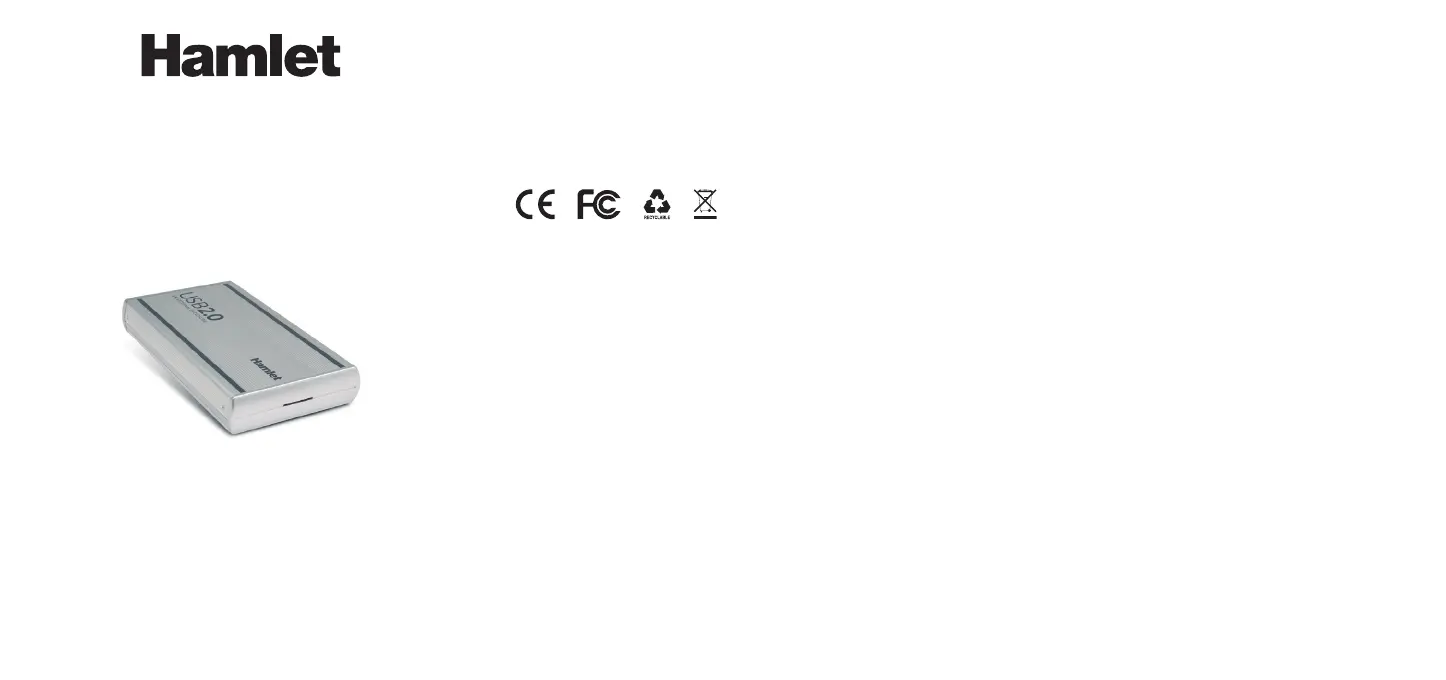
SATA DESK STATION
USB 2.0 Enclosure for 3.5" SATA Hard Disk
USER MANUAL
HXD3SAUU
Hard Disk installation
1. Unscrewthetwoscrewsonthesideoftheenclosuretoremovethebackpanel.
2. PlugtheSerialATAcableandthepowercableintotheharddisk.
3. CarefullyinserttheHDDinsidethealuminumcase.
4. TightentheHDDtothealuminumenclosurewiththescrewsprovided.
5. Fixthebackpanelwiththescrews.Theenclosureisnowreadytouse.
Device installation
1. ConnectthepowersupplytoawalloutletandtoyourHamletHardDiskenclosure.
2. ConnecttheUSBcabletoyourcomputerandtothedrive.
3. Turnonthedrivebymovingthepowerswitchtothe“ON”position.
4. Thedrivewillmountin“MyComputer”(Windows)oronyour“Desktop”(Mac).
IMPORTANT NOTE:Beforeusingyourexternalstoragedevice,theharddrivemust
beformatted.Pleaserefer to your OperatingSystemdocumentationfor the correct
formattingprocedure.
Connecting and disconnecting USB devices
MostUSBdevicescanberemovedandunpluggedatwill.Whenunpluggingstorage
devices,suchasUSBashdrives,youshouldbesurethatthecomputerhasnished
savinganyinformationtothedevicebeforeremovingit.Ifthedevicehasanactivity
light,waitforafewsecondsafterthelighthasnishedashingbeforeunpluggingit.
Windows Users
Ifyouseethe“SafelyRemoveHardware”iconinthenoticationareaatthefarright
ofthetaskbar,youcanusethistoensurethatdeviceshavenishedalloperationsin
progressandarereadytoremove.
1. Clickthe“SafelyRemoveHardware”icon.
2. You’llseealistofconnecteddevices.
3. Clickthedeviceyouwanttoremove.
Mac Users
Toejectadiskorvolume,dooneofthefollowing:
• Selecttheitemtoeject,andchooseFile>Eject.
• DragtheitemtotheTrashiconintheDock(Whileyoudrag,theTrashiconchanges
toanEjecticon).
DearCustomer,
thanks for choosing an Hamlet product. Please carefully follow the instructions for
itsuseandmaintenanceand,oncethisitemhasrunitslifespan,wekindlyaskYou
todispose ofitinanenvironmentallyfriendlyway,by puttingitintheseparatebins
forelectrical/electronicwaste,ortobringitbacktoyourretailerwhowillcollectitfor
free.
We inform You this product is manufactured with materials and components in
compliancewith RoHSdirective2002/95/EC;withWEEEDirective2002/96/ECand
2003/108/ECandEMCdirective2004/108/ECforthefollowingstandards:EN55022:
2006+A1:2007,EN55024:1998+A1:2001+A2:2003.
The complete CE declaration of conformity of the product can be obtained by
contactingHamletatinfo@hamletcom.com.
Theinformationontheimporterforyourcountrycanbefoundinthe“Aboutus”section
ofthewebsitewww.hamletcom.com.
Trademarks and changes
Alltrademarksandcompanynamesmentionedinthismanualareusedfordescription
purpose only and remain property of their respective owners. The material in this
documentisforinformationonlyandsubjecttochangewithoutnotice.
Important information
Any loss, corruption or destruction of data while using a Hamlet drive is the sole
responsibilityoftheuser,andunder nocircumstances willHamletbeheldliablefor
therecoveryorrestorationofthisdata.Tohelppreventthelossofyourdata,itishighly
recommended that you keepTWOcopies of your data; one copy on your external
harddrive,forinstance,andasecondcopyeitheronyourinternalharddrive,another
externalharddriveorsomeotherformofremovablestoragemedia.
Introduction
System Requirements
• WindowsXP/Vista/7&8,MacOS10.4orabove,Linux(kernel2.4.18orabove)
• AvailableUSBport(USB2.0recommended)
Package content
• 3.5"SATAEnclosure
• USBcable
• Poweradapter
• User’smanual
www.hamletcom.com



 To Previous Page
 Loading...