OPERATION
34 © HAMM AG 2009
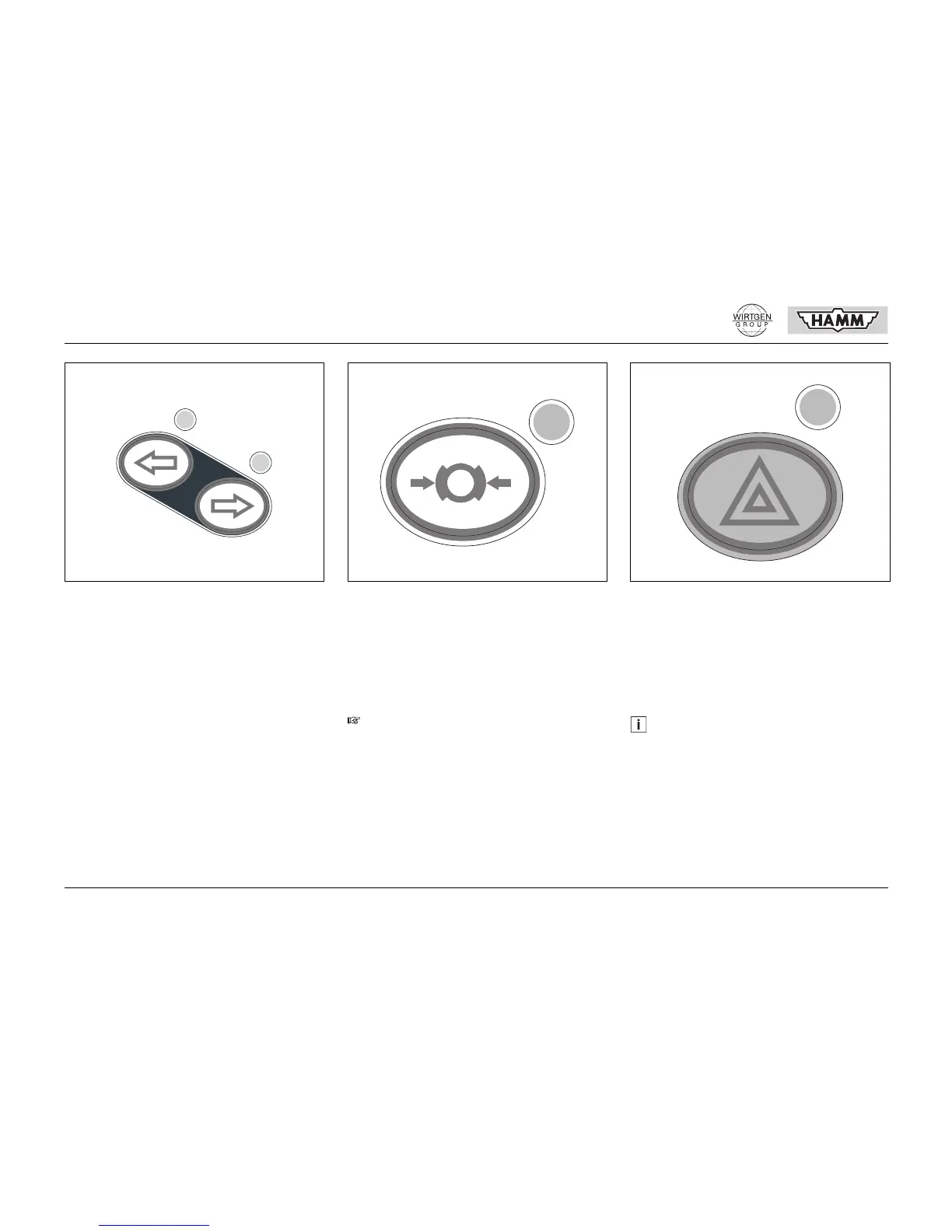
303 Turning light pushbutton (option)
The arrows indicate the actuation direction for
the corresponding turning direction of the ma-
chine.
When a turning light is switched on, the control
light at the active pushbutton flashes.
On........................................................PRESS
Off ...........................................PRESS AGAIN
304 Parking brake pushbutton
Pressing the pushbutton applies or releases
the parking brake.
Applied.................................................PRESS
(Control light lights up)
Released..................................PRESS AGAIN
(Control light goes out)
305 Warning lights pushbutton (option)
Pressing the pushbutton switches the warning
lights on or off.
On........................................................PRESS
(Control light flashes)
Off .......................................... PRESS AGAIN
(Control light goes out)
0303-106
Use only for stopping and parking the ma-
chine. This is not a service brake! Check
operation daily!
0304-102
Check the correct function of the warning
lights prior to starting the engine!
0305-104



 To Next Page