EasyManua.ls Logo

Hammer N1200 - Verify Contents; Included Items; Hardware Setup; Connecting Hardware

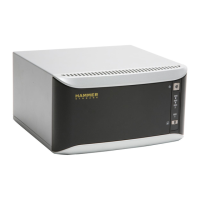
Hammer N1200
6 pages
Print Icon
To Next Page IconTo Next Page
To Previous Page IconTo Previous Page
Loading...
2.
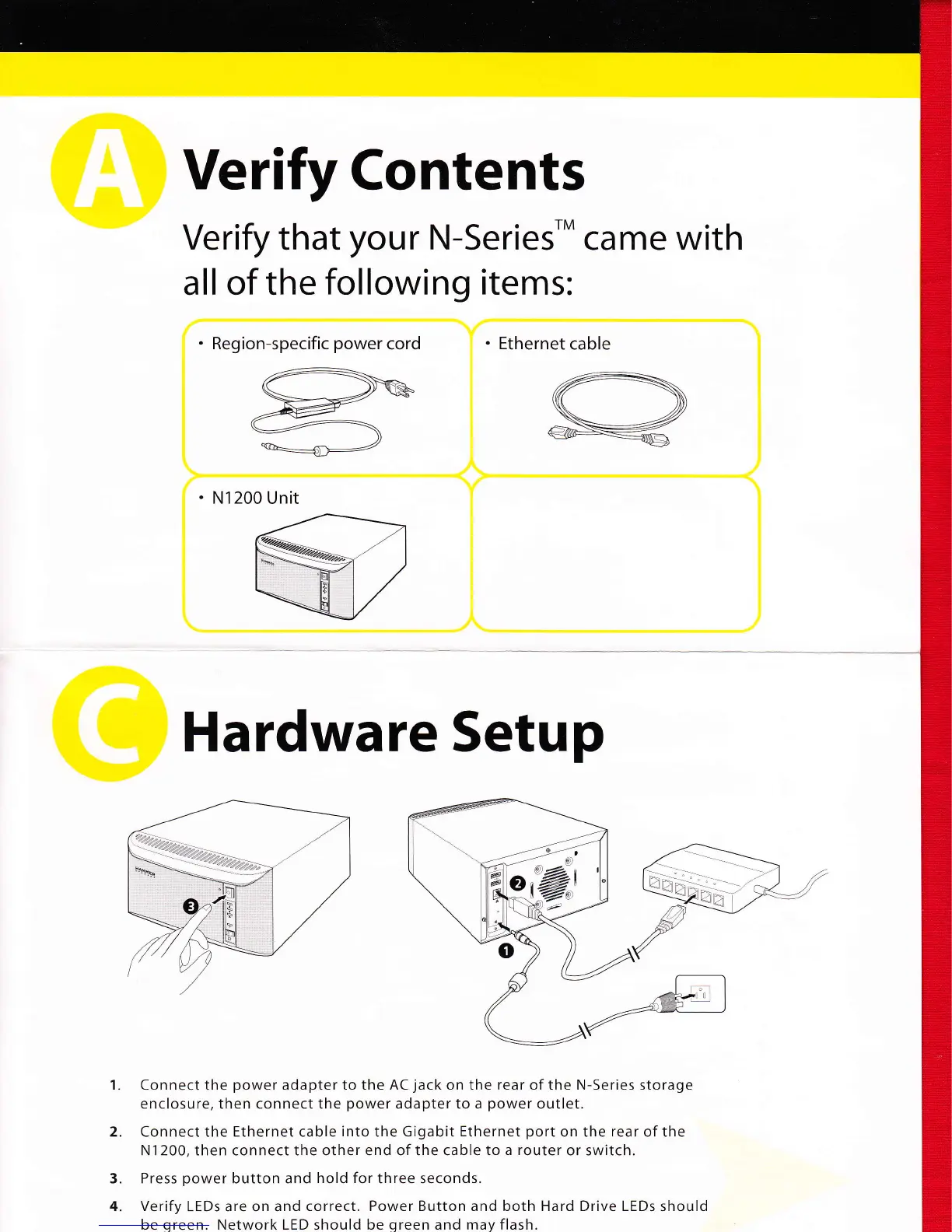
Verify
Contents
Verify
that
your
N-series'*
came
with
all of the
following items:
.
Region-specific
power
cord
.
Ethernet
cable
.
N1200 Unit
Hardware
Setup
Connect
the
power
adapter to the AC
jack
on the rear of the N-Series storage
enclosure, then connect the
power
adapter to a
power
outlet.
Connect the Ethernet cable
into
the Gigabit
Ethernet
port
on the rear of the
N1200, then connect the other end of the cable
to a router
or switch.
Press
power
button and
hold for
three seconds.
Verify
LEDs are on and
correct. Power Button and both Hard Drive LEDs
should
be
green.
Network LED should be
green
and may flash.
3.
4.