EasyManua.ls Logo

HAMPTON BAY HB-7314-00 - User Manual

HAMPTON BAY HB-7314-00
16 pages
Print Icon
To Next Page IconTo Next Page
Loading...
THANK YOU
We appreciate the trust and condence you have placed in Hampton Bay through the purchase of this wireless doorbell
kit. We strive to continually create quality products designed to enhance your home. Visit us online to see our full line of
products available for your home improvement needs. Thank you for choosing Hampton Bay!
USE AND CARE GUIDE
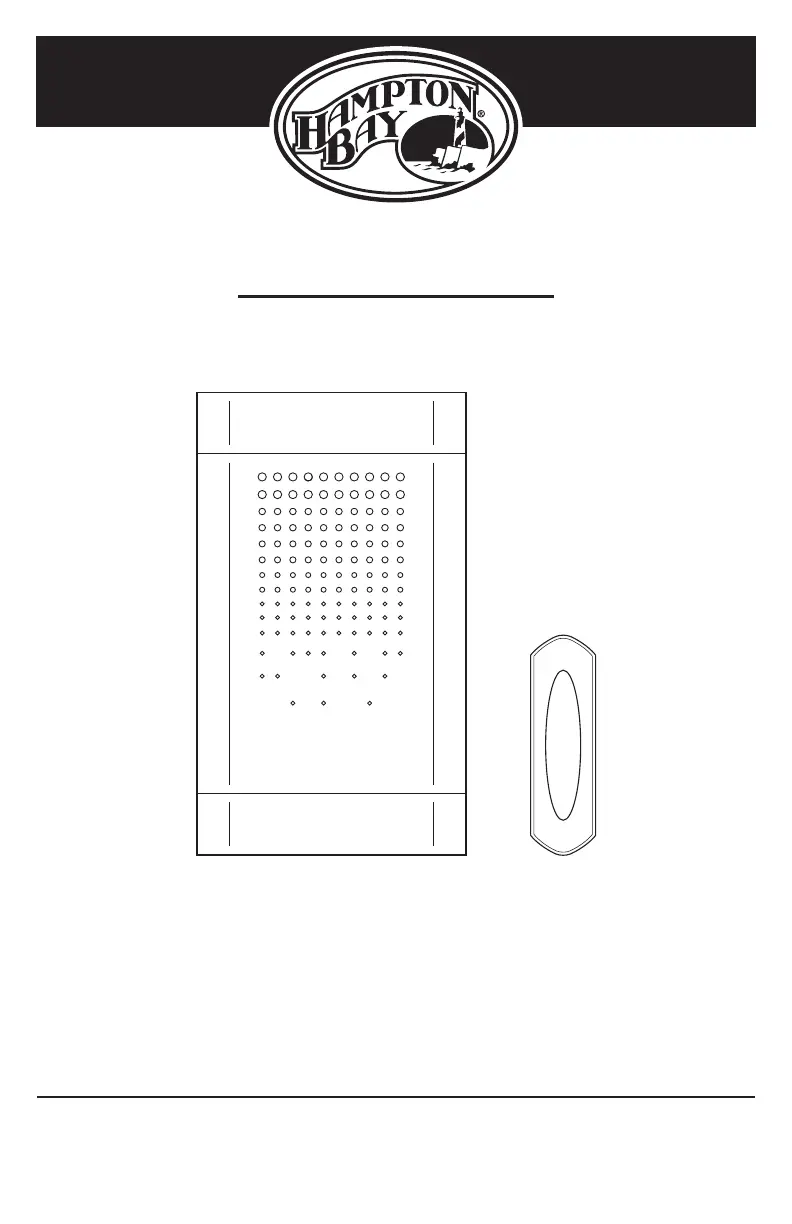
WIRELESS BATTERY DOORBELL KIT
Questions, problems, missing parts?
Before returning to the store, call Hampton Bay Customer Service
8 a.m. - 5 p.m., CST, Monday - Friday
1-844-760-3644
HAMPTONBAY.COM
Illustrations may vary from actual unit.
Item #1006013621
Model #HB-7314-00

Questions and Answers

  • J
    Justin WeaverAug 11, 2025
    Why is my HAMPTON BAY Intercom System doorbell not working?
    • G
      greenlukeAug 11, 2025
      Your HAMPTON BAY Intercom System doorbell might not be working due to several reasons: * The batteries might be incorrectly installed. Ensure they are installed according to the diagram inside the push button and doorbell. * The batteries might be dead. Check their charge and replace them if necessary. * The push button and doorbell might not be synced. To sync them, press and hold the button on the doorbell until it sounds a “Beep-Beep”. Then, press the push button within 30 seconds. The doorbell will sound a “Beep-Beep” tone to indicate they are synced. Test by pressing the push button.
  • J
    Justin BrownAug 20, 2025
    What to do if my HAMPTON BAY Intercom System doorbell rings randomly?
    • J
      Johnathan Parker MDAug 20, 2025
      If your HAMPTON BAY Intercom System doorbell is sounding when not intended, it might be receiving interference from another wireless device. To resolve this: 1. Remove the push button battery and wait 30 seconds. 2. Press and hold the push button for 10 to 15 seconds within 60 seconds after reinstalling the battery. 3. Press and hold the button on the doorbell until it sounds a “Beep-Beep-Beep-Beep”. 4. To re-sync, press and hold the button on the doorbell until it sounds a “Beep-Beep”. 5. Press the push button within 30 seconds. The doorbell will sound a “Beep-Beep” to confirm syncing. Test the operation by pressing the push button.
  • M
    Mr. Kyle Terrell PhDAug 30, 2025
    How to fix a HAMPTON BAY HB-7314-00 doorbell that doesn't work after installation?
    • S
      Shane PowellAug 31, 2025
      If your HAMPTON BAY Intercom System doorbell isn't working after installation, even with good batteries, consider these possibilities: * The doorbell or push button might be mounted on metal or near metal studs, which reduces transmission range. Use 1/4 in. to 1/2 in. (6 to 13 mm) wood shims to move the doorbell or push button away from the metal surface. * The doorbell might be mounted near a concrete floor or wall, which can reduce range. Try moving the doorbell away from the concrete surface. * The doorbell and push button might be too far apart. Try locating the doorbell closer to the push button.

HAMPTON BAY HB-7314-00 Specifications

General IconGeneral
BrandHampton Bay
ModelHB-7314-00
CategoryIntercom System
ColorWhite
Range1000 ft
Mounting TypeWall
Power SourcePlug-in