EasyManua.ls Logo

Hand Held Products NAUTIZ X7 - User Manual

Hand Held Products NAUTIZ X7
12 pages
Print Icon
To Next Page IconTo Next Page
Loading...
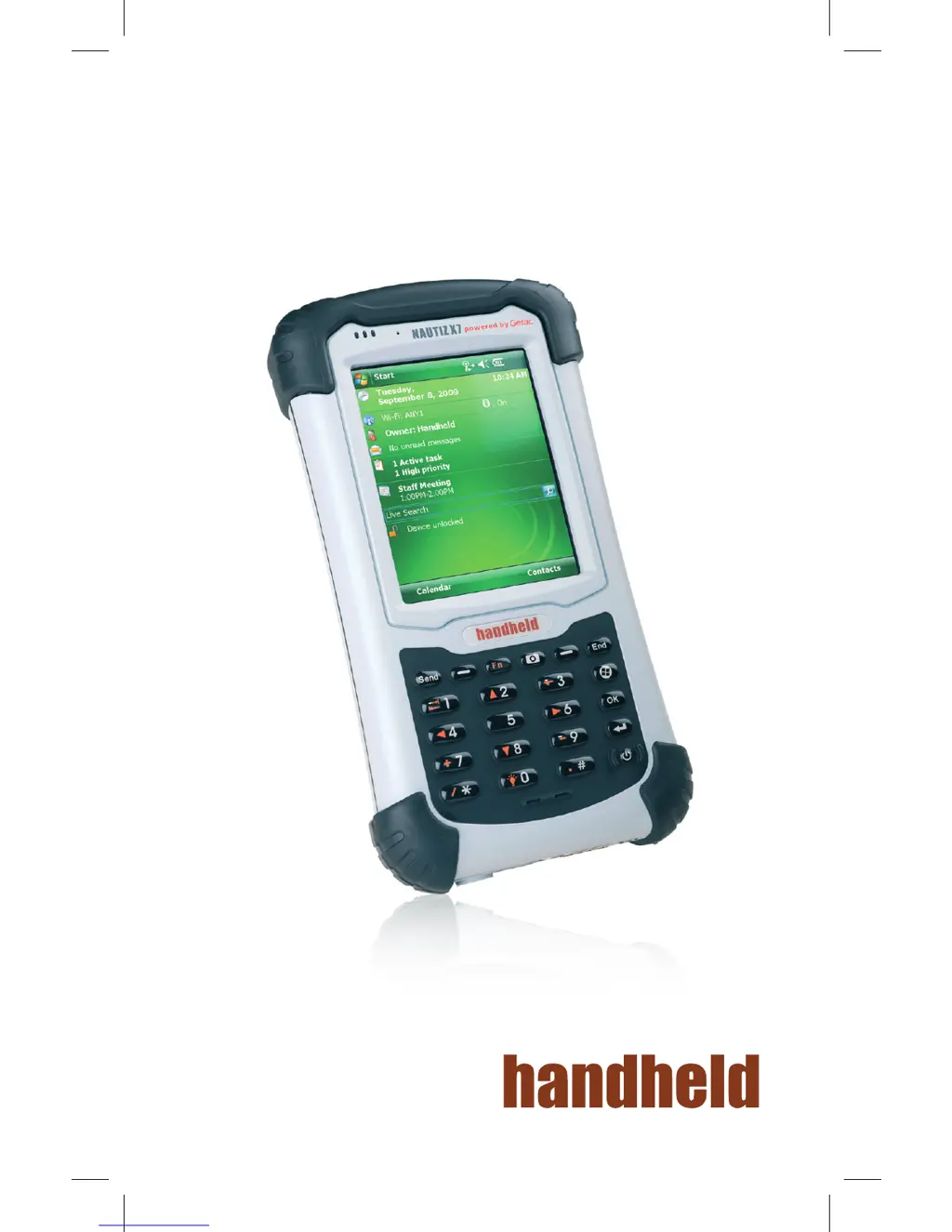
NAUTIZ X7
Quick Start Guide

Other manuals for Hand Held Products NAUTIZ X7

Questions and Answers

  • M
    Michael RiddleJul 31, 2025
    What to do if Hand Held Products NAUTIZ X7 says not enough memory?
    • J
      Jeffrey HinesJul 31, 2025
      If you receive a warning message about insufficient memory on your Hand Held Products PDA, try the following: * Delete files you no longer need. * Remove programs you are not using. * Clear all files and history in Internet Explorer. * Stop programs that are not in use (Settings > System > Task Manager). * Restart your device.
  • B
    Brenda PenaAug 5, 2025
    Why Hand Held Products PDA cannot establish a connection with a computer via USB?
    • P
      Patrick JohnsonAug 5, 2025
      If your Hand Held Products PDA is unable to connect to a computer via USB, ensure both devices are powered on before attempting the connection. Verify that the USB cable is securely connected to both the computer and the PDA, avoiding USB hubs. Restart your PDA before connecting the cable, and always disconnect your PDA before restarting your computer. If connected to a Windows computer running ActiveSync, disable 'Enable advanced network functionality' under Settings > Connections > USB to PC, as your device may experience connection problems.
  • A
    Amy ChambersAug 11, 2025
    What to do if Hand Held Products NAUTIZ X7 screen responds slowly?
    • A
      Annette BeasleyAug 12, 2025
      If the screen on your Hand Held Products PDA responds slowly, ensure that the device is not running out of battery power. If the problem persists, restart your device.
  • M
    michaeltuckerAug 18, 2025
    How to fix Hand Held Products NAUTIZ X7 power does not switch on when using battery power?
    • J
      James HuntAug 18, 2025
      If your Hand Held Products PDA does not switch on when using battery power, try charging the battery. If charging doesn't resolve the issue, restart your device.
  • J
    Jorge JacksonAug 25, 2025
    What to do if Hand Held Products NAUTIZ X7 PDA screen freezes?
    • N
      Nicholas MayAug 25, 2025
      If the screen on your Hand Held Products PDA freezes, restart your device.

Summary

Identifying Hardware Components Front components

Front Component Indicators

Details function of Mobile Phone, RF (Radio Frequency), and Charge/Notification indicators.

Front Device Interfaces

Describes the Earpiece, Touch Screen, Keypad, Power Button, and Microphone on the front.

Identifying Hardware Components Keypad

Keypad Numeric and Function Keys

Explains Numeric Keys and Alternative Function Keys, including navigation and symbols.

Keypad Special Function Keys

Details the Send, Left/Right Soft, Function, Camera, End, Start, OK, and Action Keys.

Identifying Hardware Components Back Components

Back Components Overview

Identifies Stylus, Camera Lens, Flash, Hand Strap Holders, Speaker, and Battery Cover.

Identifying Hardware Components Top Components

SD Card Slot Cover

Describes the protective cover for the SD card slot on the top of the device.

Identifying Hardware Components Bottom Components

Bottom Device Connectors

Details Power, USB OTG, Serial, and Docking Connectors on the device's bottom.

Getting Your Device Ready for Use

Installing the SIM Card and Battery

Guides users through inserting the SIM card and attaching the device's battery.

Connecting to AC Power and Charging the Battery

Provides instructions on how to connect the device to power and charge its battery.

Performing the Initial Startup

Outlines the steps for the first-time setup and configuration of the device.

Synchronizing with Your Computer

Installing Software for Synchronization

Explains the process of installing ActiveSync or WMDC for device synchronization with a PC.

Using Options

Using an SD Card

Instructions on how to insert and secure an SD card into the device's slot.

Using the Hand Strap

Details how to attach and use the optional hand strap for better grip.

Hand Held Products NAUTIZ X7 Specifications

General IconGeneral
RuggednessIP65, MIL-STD-810G
Barcode Scanner1D/2D imager
WirelessBluetooth
GPSSiRFstarIII GPS
Camera3 megapixel with autofocus and LED flash
ExpansionSD card slot