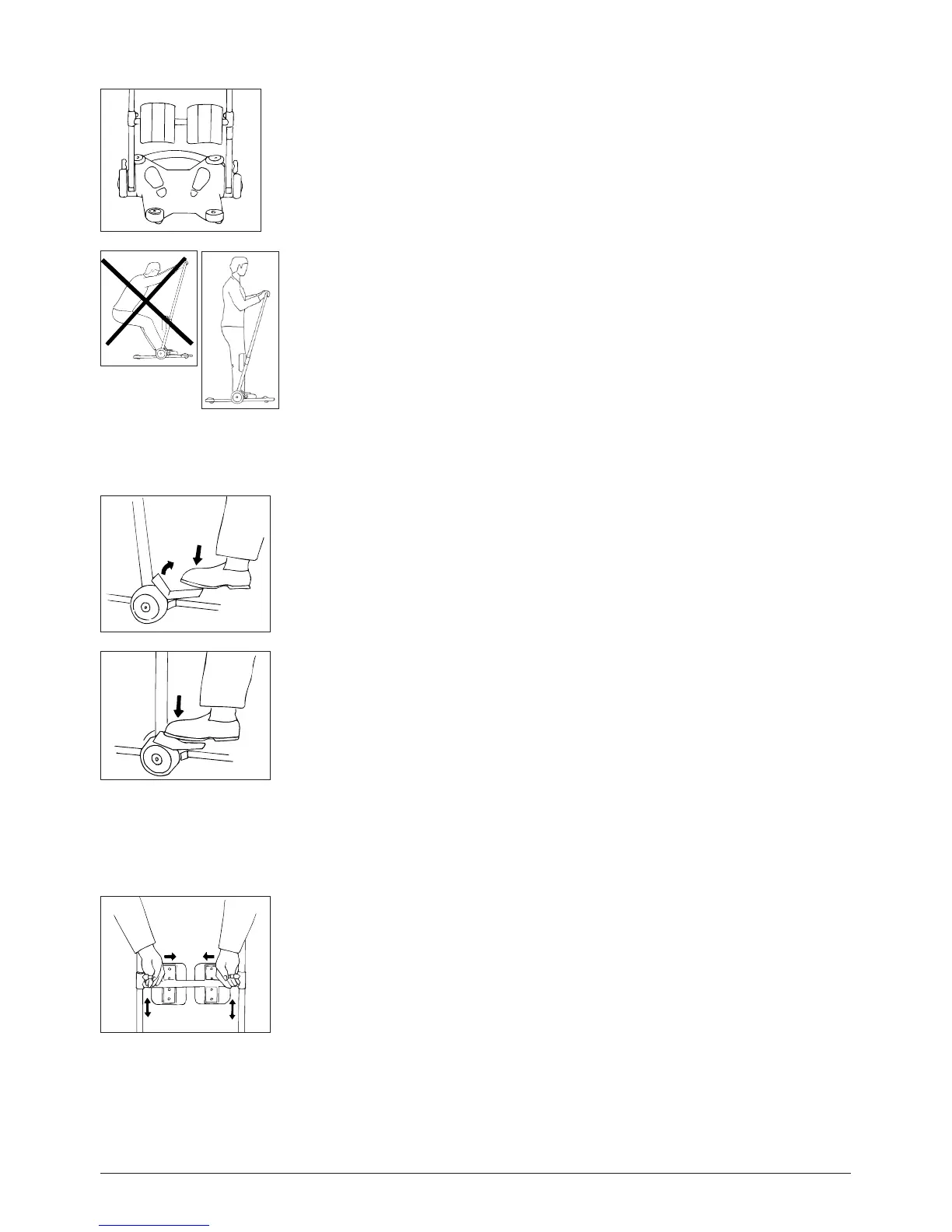
Chassis and placement of feet
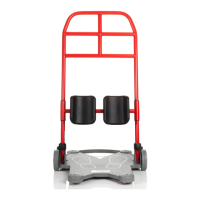
The feet are placed one on either side, see foot markings on base plate.
The patient’s weight must be centred on the product’s support surface (all weight between
the wheels); i.e., the patient must be in a standing position. The patient’s weight must not
be outside of the support surface.
Brakes
There is a brake for each wheel. With your foot, press down on the red marking on the brake
plate. Press all the way down.
To release the brake, press on the brake plate so that it resumes its original position (green
marking); ensure that the wheels roll freely.
Adjust the lower-leg support so that the upper edge of the plate is about 3 cm/two fingers
below the lower edge of the kneecaps. Pull the two pins to loosen. Adjust to the appropri-
ate height. Ensure that the pins lock securely into place. The lower-leg support can also be
adjusted laterally.
Lower-leg support
3


 To Next Page