7
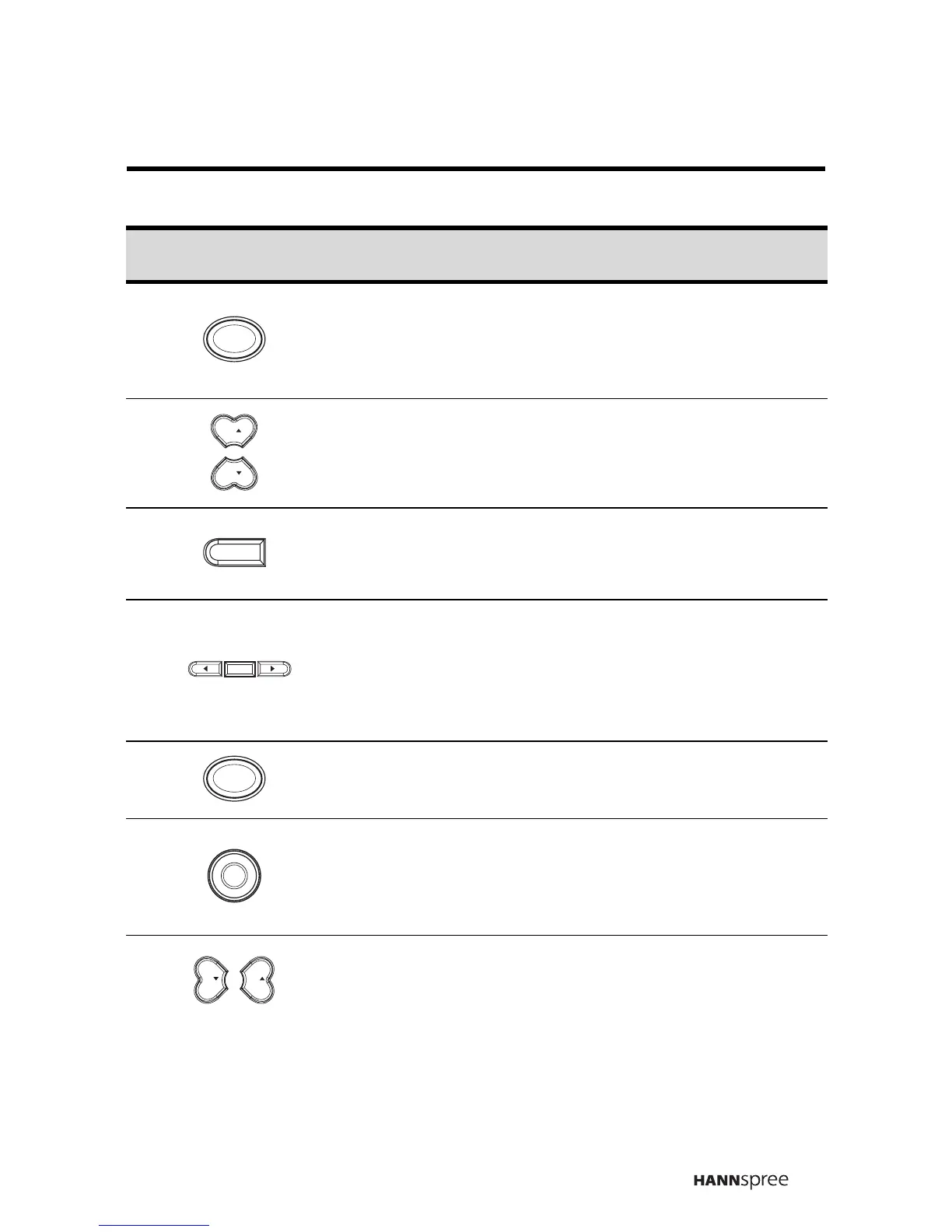
3 Source button
Press this button to cycle the video
input sources.
The source is displayed on the bot-
tom right corner of the screen.
4
Channel select
buttons
Press CH S to increase the channel
number. Press CH T to decrease
the channel number.
5 Caption button
Press this button to view program
subtitles (American standard) when
available.
6
Menu and
Arrow buttons
Press MENU to activate the OSD
menu system to adjust various set-
tings and personal preferences.
Press W or X to scroll through the
on-screen display menus.
7 Recall button
Press this button to return to the last
channel selected.
8 Display button
Press this button to show messages
on the screen, such as the mode
and others.Press the button again
to close the displayed message.
9
Volume adjust
buttons
Press VOL S to increase the vol-
ume; press VOL T to decrease the
volume. The range is from 1 to 20.
Icon Description Functions
SOURCE
CH
CH
CAPTION
MENU
ENTER
RECALL
DISPLAY
VOL VOL



 To Next Page