6
Icon Description Functions
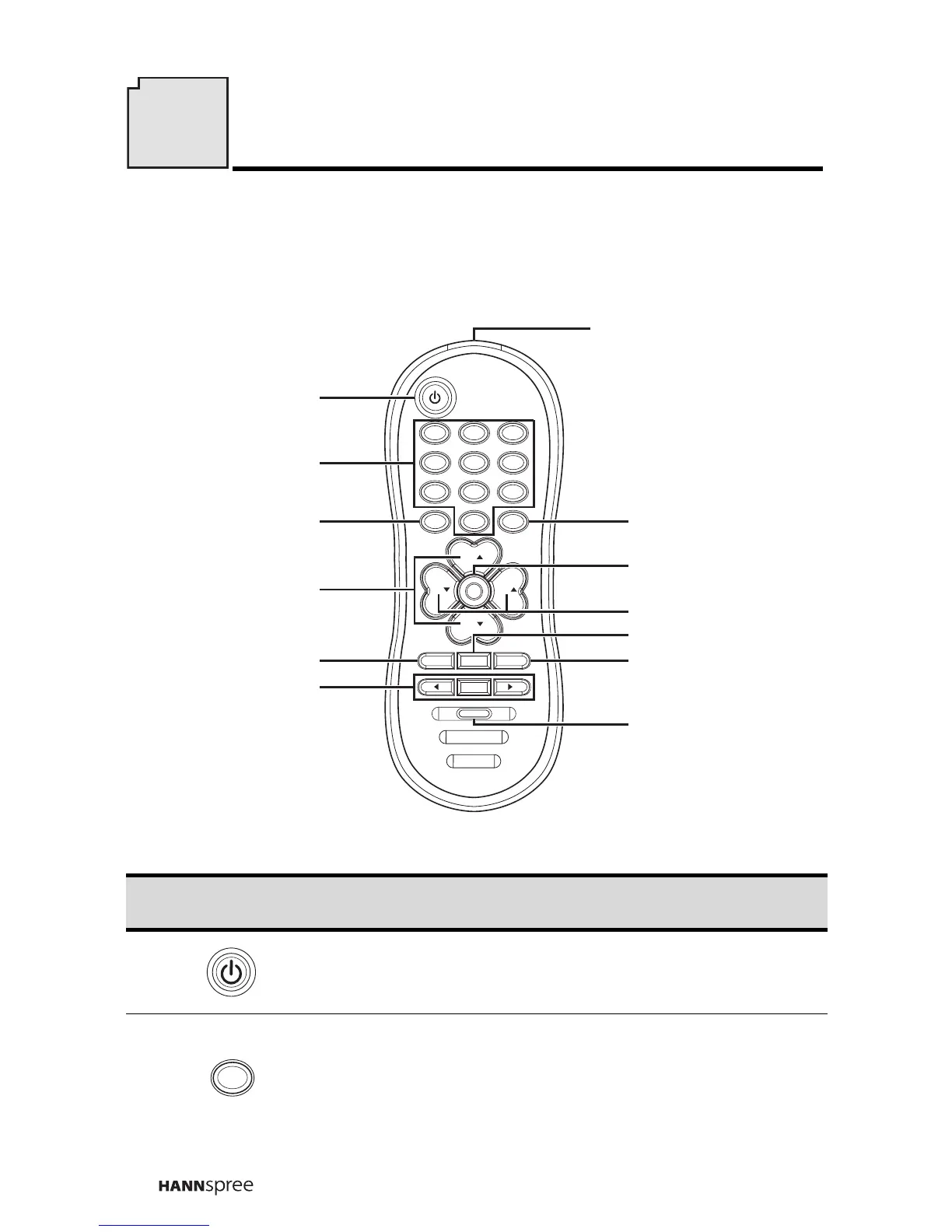
1 Power button Turns TV power on or off.
2
Number
buttons
Press these buttons to select a
channel directly. Press 0-9 to enter
the channel number. Press the 1
and 0 buttons for channel 10.
1
4
7
SOURCE
2
5
8
0
3
6
9
RECALL
CH
CH
VOL VOL
DISPLAY
MTS
MENU
ENTER
MUTECAPTION
RESET
P
O
W
E
R
2
3
4
5
6
7
8
1
9
12
Signal transmitter
11
10
P
O
W
E
R
1
Getting to Know Your Remote Control
5



 To Next Page