DG3 Controller – Installation and Operation
Manual
540846-3 page 32 of 64 25/09/2015
When the input is activated (volts on input), the emergency destination will
remain, even if the input is deactivated. The destination must be manually reset.
As above but input sensing is inverted (volts = inactive; no volts = active).
Once the input is activated (volts on input), the emergency destination will remain
for only as long as the input remains active.
As above but input sensing is inverted (volts = inactive; no volts = active).
Activating the input momentarily will set the emergency destination: activating it
again will cancel it.
As above but input sensing is inverted (volts = inactive; no volts = active).
2) Blanking the sign (battery guard)
Setting I0 and I1 to the values 5 and 6 are for blanking the sign (designed to save battery life). When the
input is activated, the controller works as normal. When deactivated, the signs will be blanked after a time
delay set by DG3 configuration parameter BT = n where n is in minutes (default n = 0). For more details
about BT, please refer to entry BT in Appendix E: Configuration Code Options.
Another parameter BL, meaning Brightness Limit expressed as a percentage (0 (by default) means
maximum brightness, 1 means minimum brightness and 2-99 means actual maximum brightness) sets the
brightness of exterior LED displays during the BT-defined time delay period. For more details about BL,
please refer to entry BL in Appendix E: Configuration Code Options.
When inactive (no volts), signs will be blanked after period BT.
As above but input sensing is inverted (volts = inactive; no volts = active).
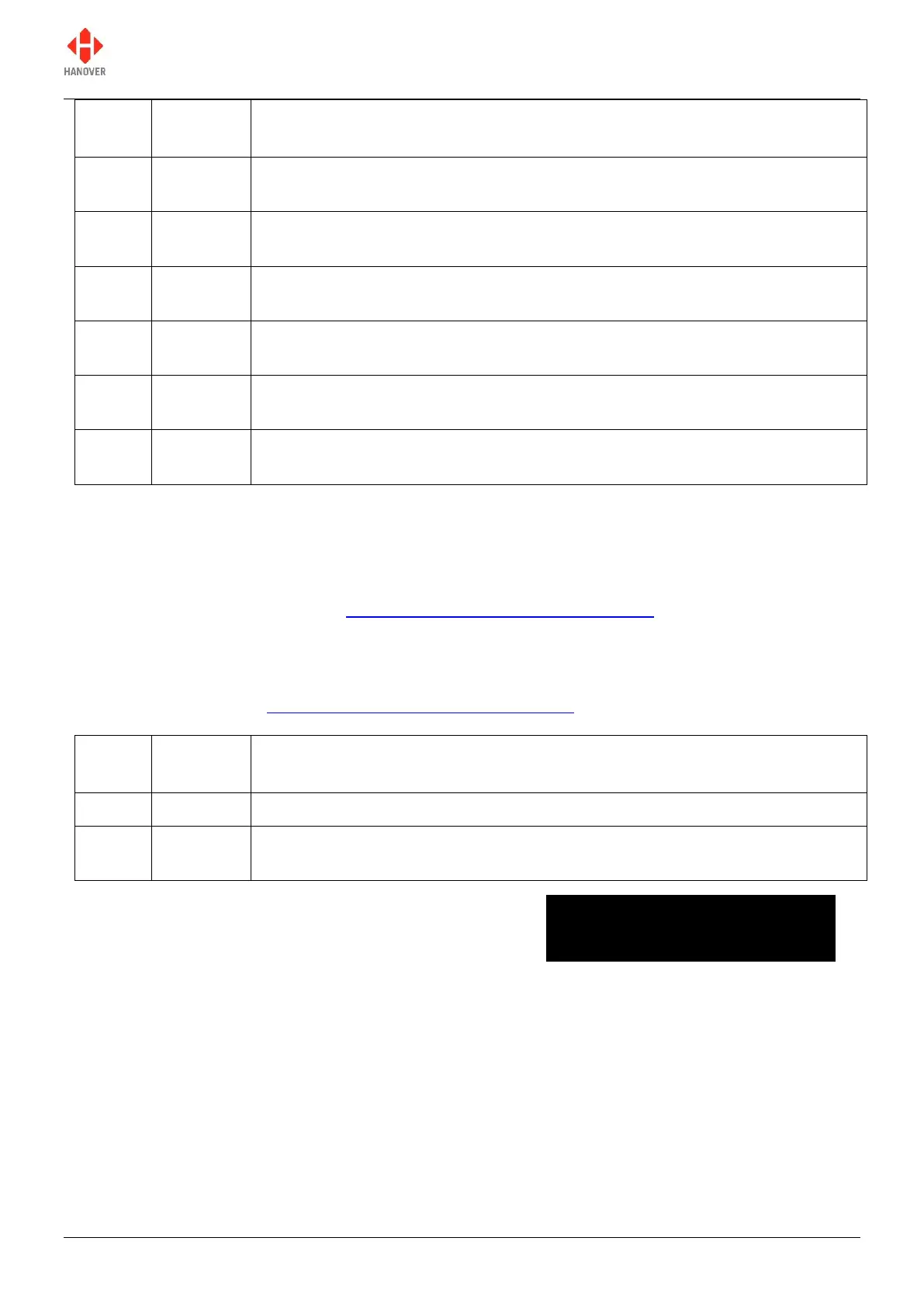
When the Blanking Timer (BT) is up, the screen looks like this:
Blanking the sign in this way should not be confused with the 'Blank code' facility, which is a destination
code set within Helen that defines what is shown on an otherwise blank sign - for example, if a non-existent
code is selected or the controller is set to an idle state. For more details, please refer to the Helen v3.3
display-editing software - operating manual (ref. 540125), section 7.3.5. However, the destination defined
by that code will also be shown during the BT-defined delay described above.
3) Displaying ‘Bus stopping’
Setting I0 and I1 to the values 7 and 8 are to set up 'Bus stopping' on a sign. On activation, in-bus signs
will automatically show 'Bus stopping', overriding the previous message.
************************************
SIGNS BLANKED
************************************



 To Next Page
 Loading...