E6000 Portable Multi-Gas Detector Henan Hanwei Electronics Co., Ltd.
16
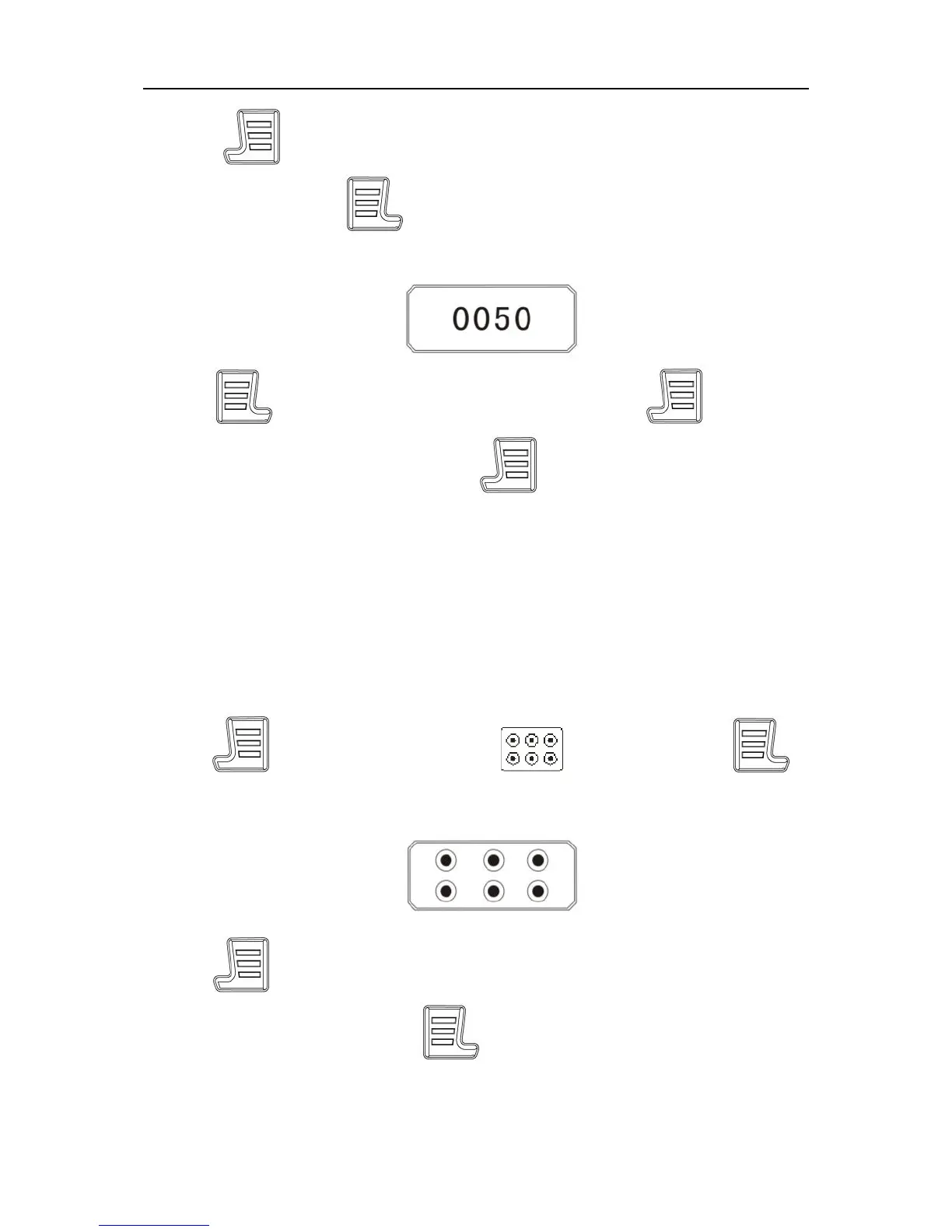
Press to move the curso to the figure which needs to be
adjusted and press when the figure flashes. Then it enters
into the setting interface, shown as below.
Press button to adjust the figure and press to move
the cursor. After adjusting, press button to save. Then the
device enters setting interface of the next alarm point.
Note:
H---High alarm point L---Low alarm point
ST---STEL alert point TW---TWA alert point
5.10 Channel setting
Press to move the cursor to icon and press
to enter the sumenu. The screen displays as below.
Press to move the cursor to the target channel and this
channel box flashes. Press to select or not. If selected, the
center is black; if cancelled, it’s white.
Note:


 To Next Page
 Loading...