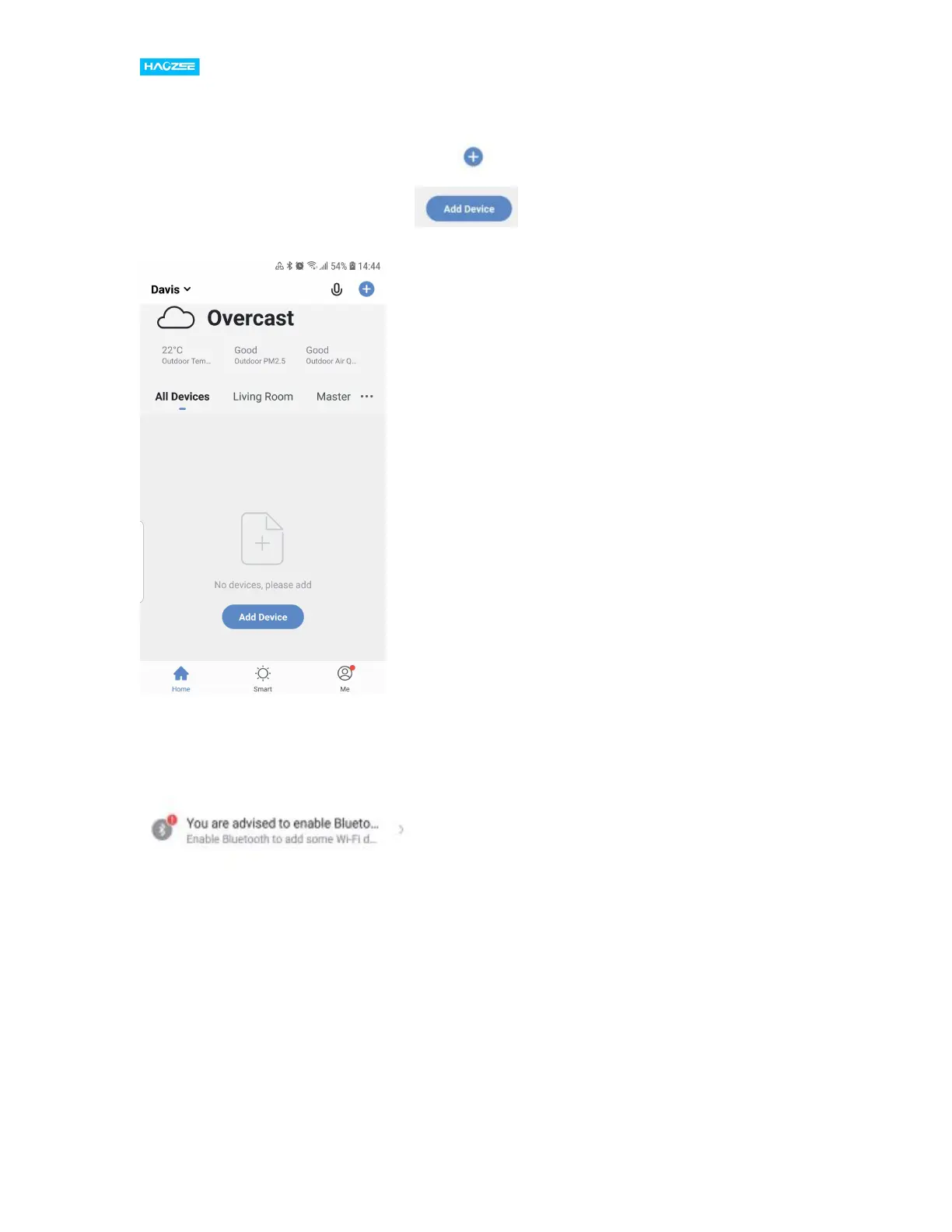
3. Connect your mobile to your Wi-Fi router ,supply power to the sensor with the
supplied Microcharging cable, click “+” in the upper right corner of
homepage or click “Add Device” .
3. 1) Turn on the bluetooth in mobile:The app will advise you to turn on bluetooth
in your mobile, then you choose the device to add. Enter into your Wi-Fi name and
Wi-Fi password, it will connect the Wi-Fi network automatically.


 To Next Page