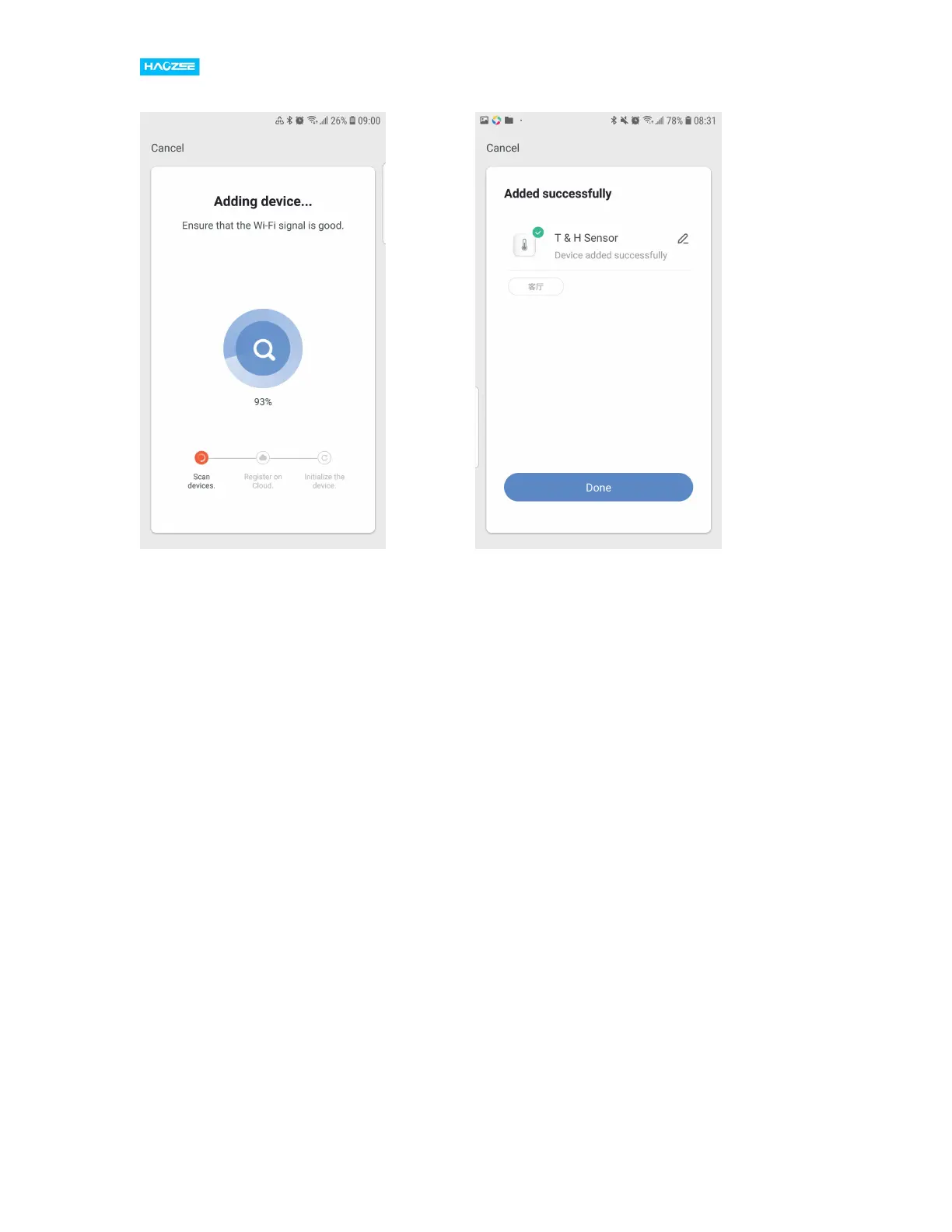
3) If your Wi-Fi router open both 2.4GHz and 5GHz with the same name, enter
Wi-Fi password, please select “AP Mode”, hold the reset button for about 5
seconds till LED indicator blink slowly, connect your mobile to device’s hotspot:
“SmartLife-XXXX” ,then click to return to App interface,it will connect to Wi-Fi
automatically,configuration complete.


 To Next Page